SEO Mega Bundle
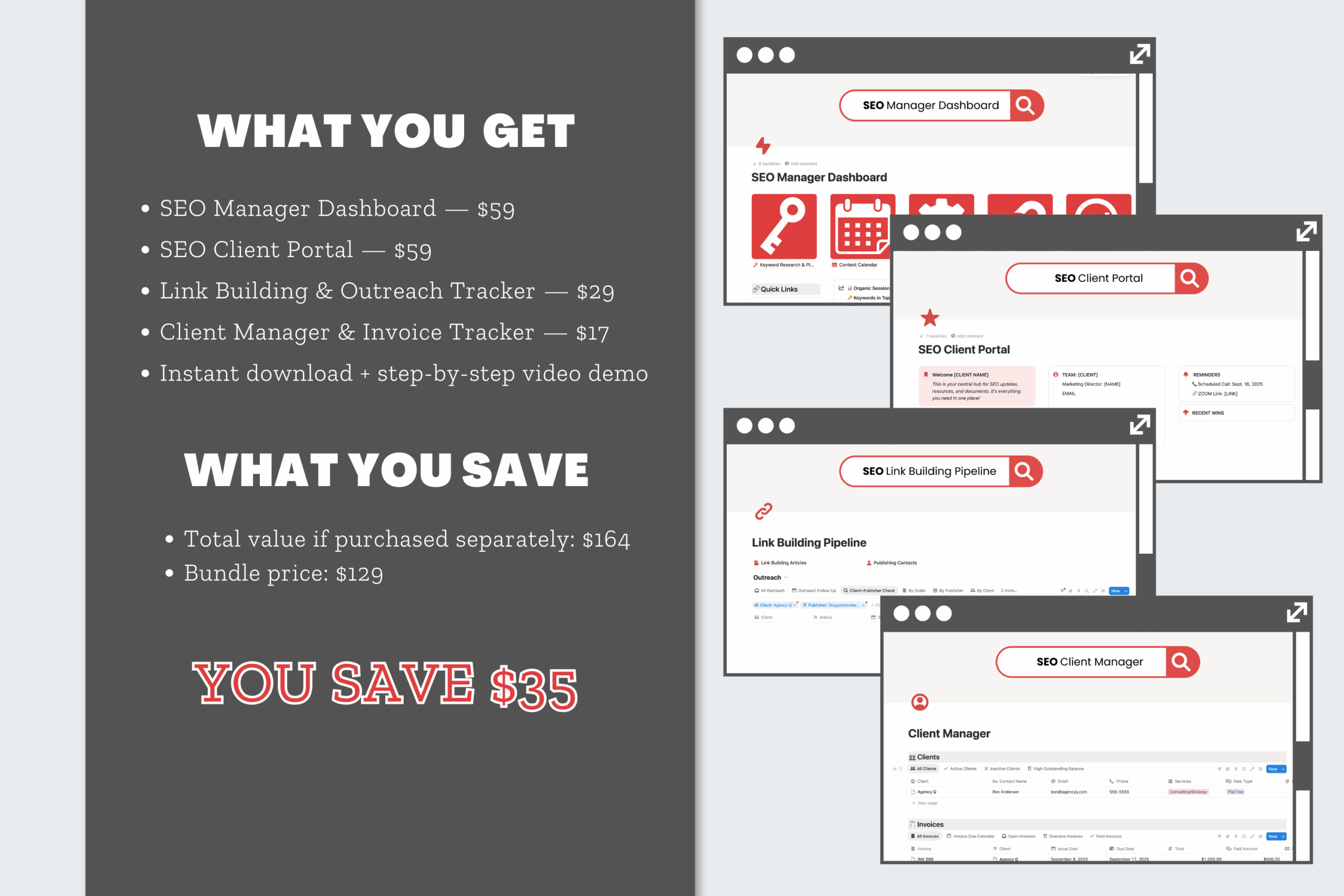
$129.00
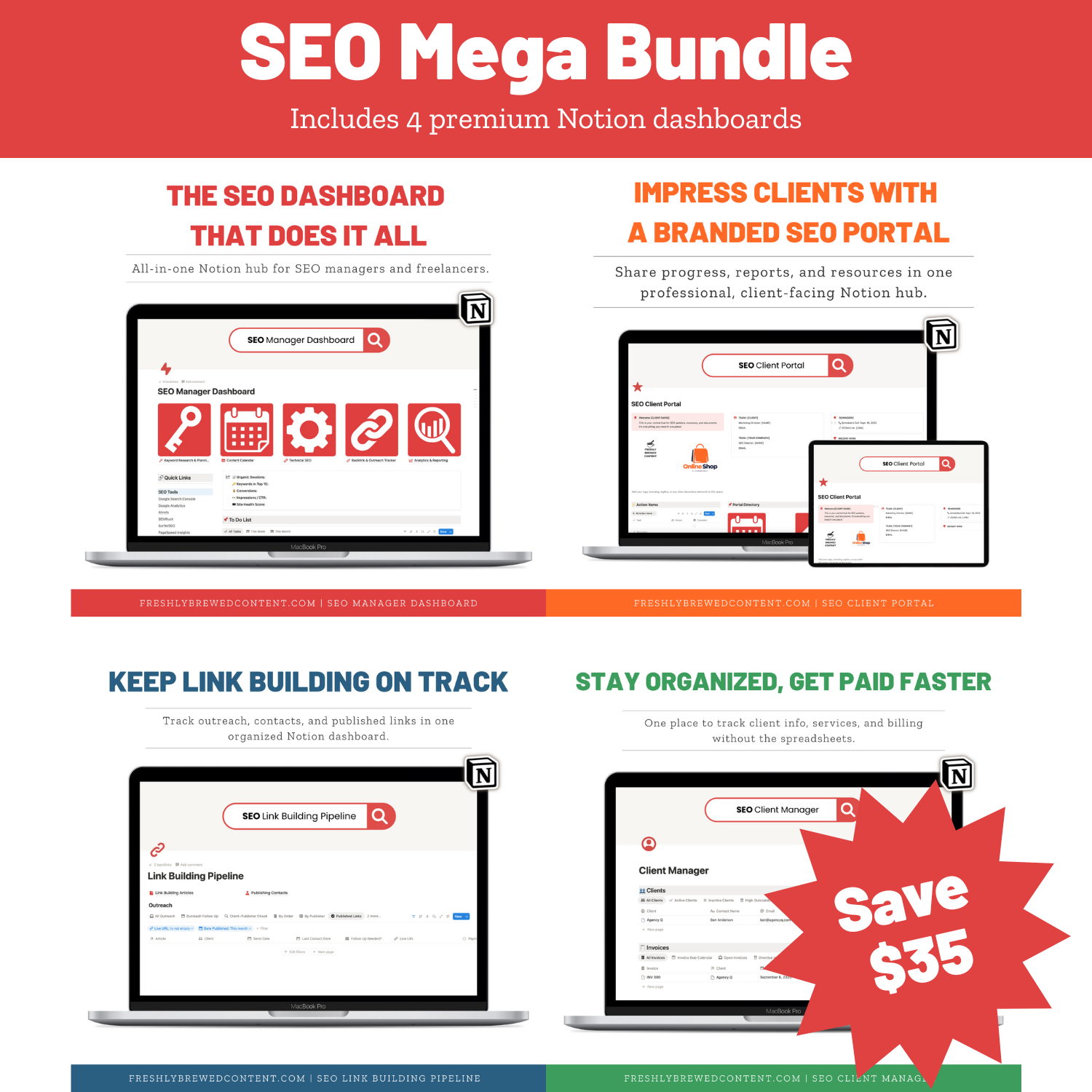
Simplify your entire SEO workflow with four powerful Notion dashboards in one bundle. The SEO Mega Bundle includes the SEO Manager, Link Building Pipeline, Client Portal, and Client Manager—giving you everything you need to run projects, track outreach, share reports, and manage invoices in a single workspace.
Description
Running SEO campaigns means wearing a lot of hats—managing keywords, audits, link building, reporting, clients, and invoices. Doing it all with scattered spreadsheets or generic project management tools quickly gets overwhelming.
The SEO Mega Bundle for Notion brings everything together in one system. You’ll get four powerful dashboards—the SEO Manager, Link Building Pipeline, Client Portal, and Client Manager. Together, they create a complete workflow for managing both the technical and client-facing sides of SEO.
Why Use a Notion Dashboard for SEO and Client Management?
Notion is one of the most flexible productivity platforms available. It combines notes, databases, project management, and collaboration into one tool. With a Notion dashboard template, you can run your entire SEO business in a single workspace.
Instead of juggling multiple apps, these dashboards let you:
-
Track keyword research, audits, and performance.
-
Manage outreach and link building campaigns.
-
Share reports and deliverables with clients.
-
Keep invoices and client details organized.
Whether you’re a freelancer, consultant, or small agency, this bundle gives you everything you need to deliver SEO results while staying organized.
What’s Inside the SEO Mega Bundle
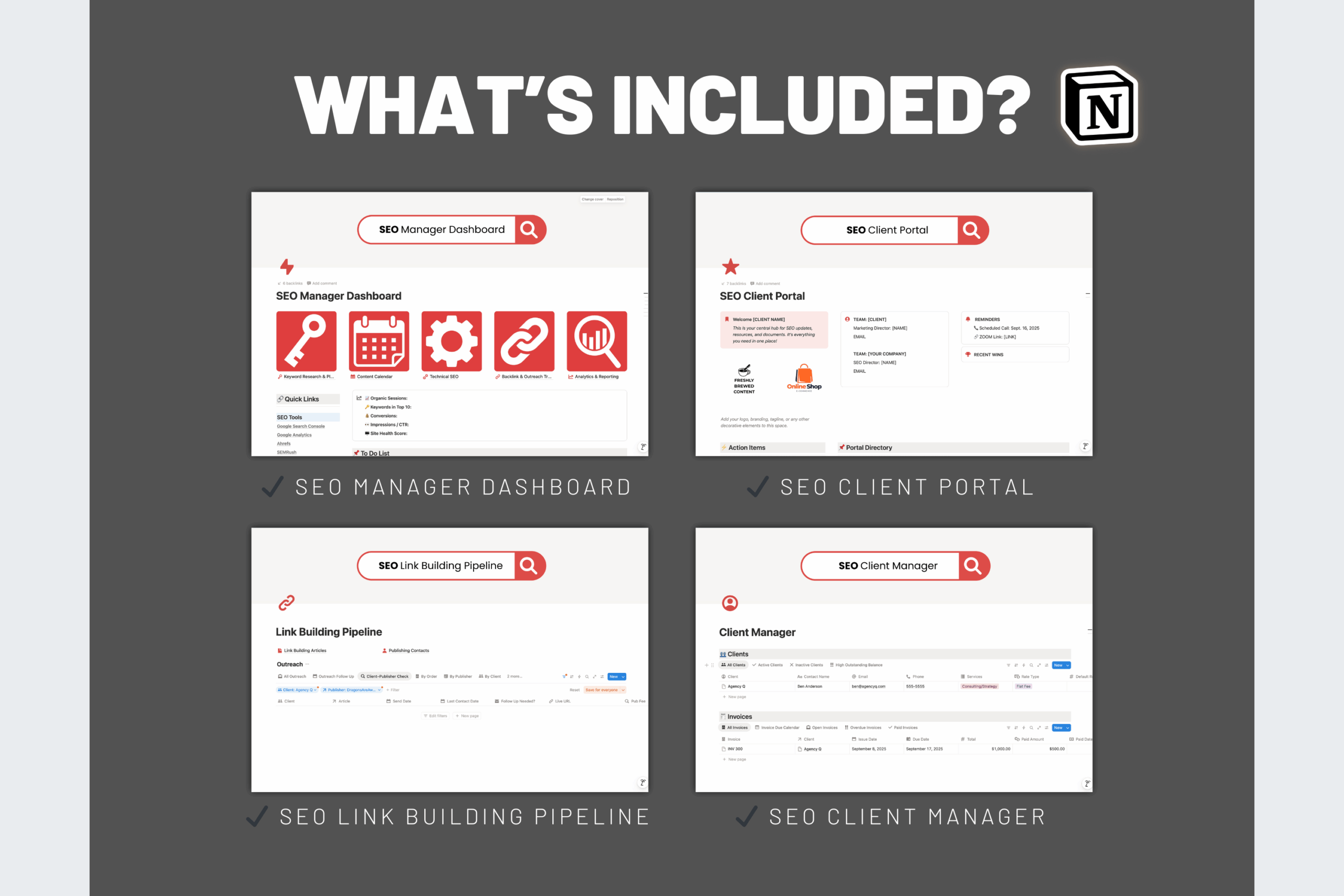
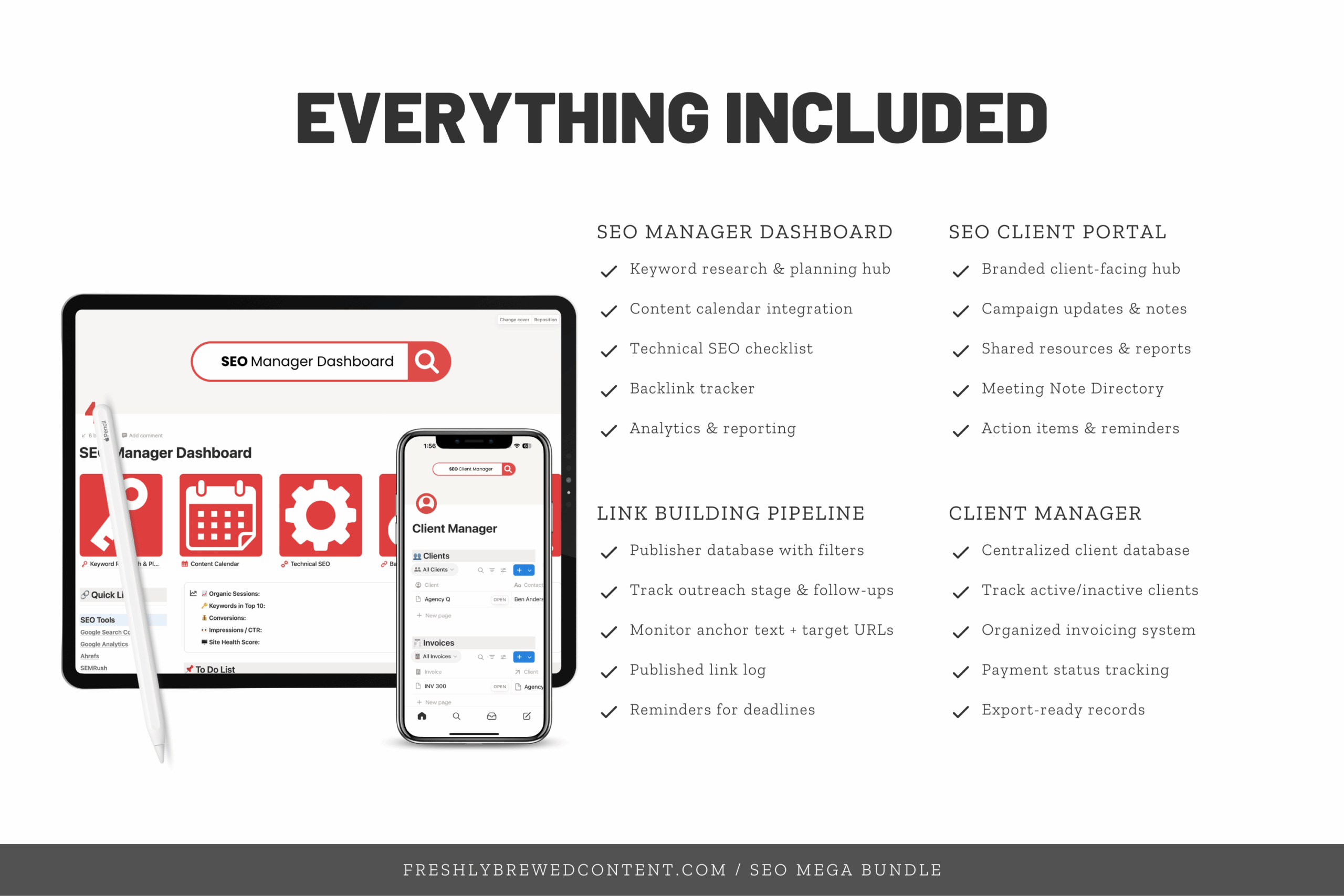
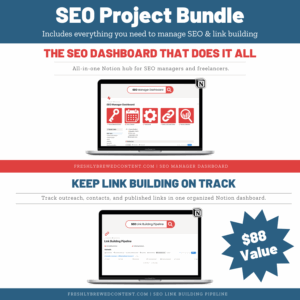
✨ SEO Manager Dashboard – Plan keywords, manage audits, track technical SEO, and report results in one central hub.
✨ Link Building Pipeline – Organize publisher lists, track outreach, and record backlinks with clear client–publisher mapping.
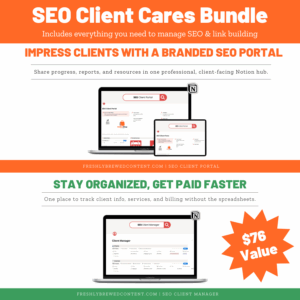
✨ Client Portal Dashboard – Share reports, updates, and resources with clients in a professional, branded space.
✨ Client Manager Dashboard – Track invoices, payment status, and client account details with a simple internal system.
With these four dashboards, you’ll have one workspace for both project execution and client communication.
How You’ll Receive It
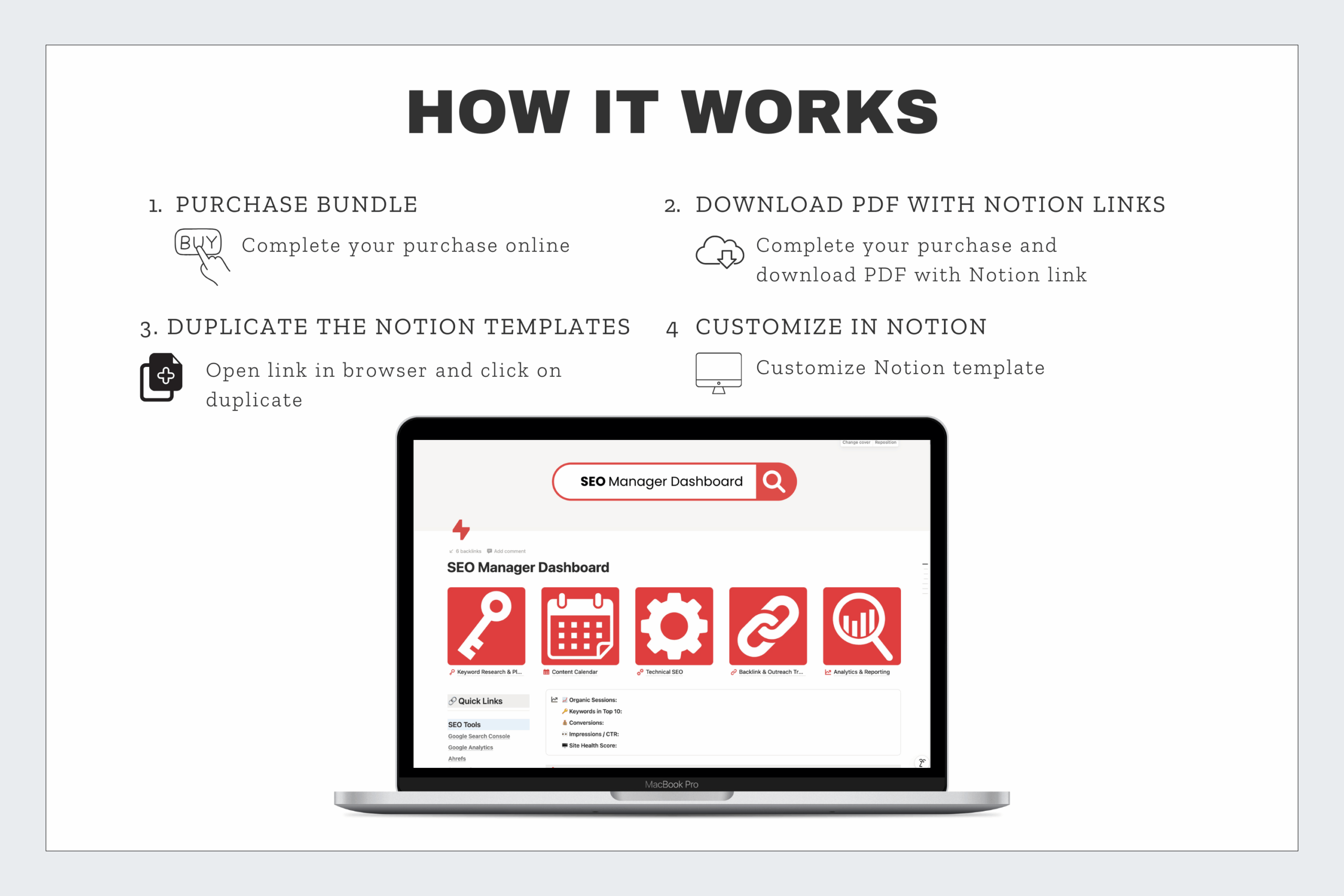
Your purchase includes a ZIP folder with PDF instructions for each dashboard. Inside, you’ll find Notion template share links that allow you to duplicate all four dashboards into your own Notion workspace.
Setup is fast and beginner-friendly—even if you’ve only used Notion for notes or simple task lists.
Who It’s For
-
Freelancers who want a complete system for managing SEO projects and client work.
-
SEO consultants who need structured tools for both strategy and communication.
-
Agencies who want to standardize processes across multiple clients.
-
Content creators who need an organized, professional workflow to scale.
Why Choose the SEO Mega Bundle?
Each dashboard is powerful on its own. But when you combine all four, you get a seamless workflow that covers every part of SEO. From keyword research and link building to client reporting and invoicing, this bundle gives you one system to manage it all.
All of our templates are easy to customize with Notion icons, covers, and widgets, so you can make them fit your style and workflow. They’re also fully compatible with Notion AI, the Notion API, and integrations like Zapier, giving you plenty of flexibility to connect your tools. Most importantly, each template is designed for clarity and daily use—so you spend less time organizing and more time growing your SEO results.
Frequently Asked Questions
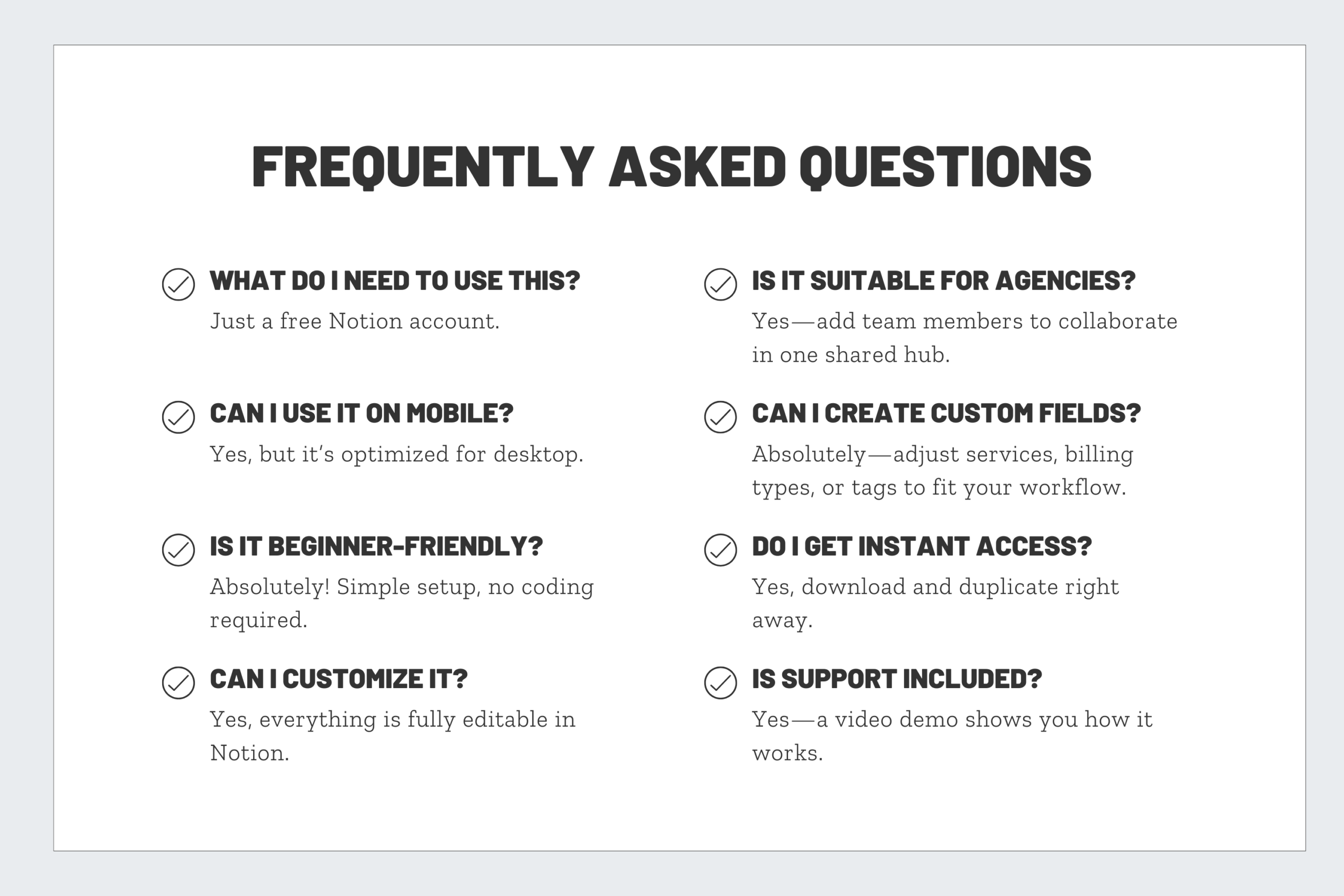
Do I need all four dashboards?
You can buy them separately, but the bundle ensures you have a complete workflow—saving time and money.
Do these dashboards connect together?
Each works on its own, but you can easily link them inside your Notion workspace for a smooth experience.
Do I need a paid Notion plan?
No. All dashboards work on the free plan. A paid plan simply adds more collaboration features.
How will I receive the dashboards?
You’ll receive a ZIP folder with PDF guides and share links for each dashboard. Duplicating them into your workspace takes just a few minutes.
Can I customize these dashboards for my brand or workflow?
Absolutely. You can add fields, change views, update colors, and use your own Notion icons and covers.

Reviews
There are no reviews yet.