SEO Client Portal Notion Dashboard
$59.00
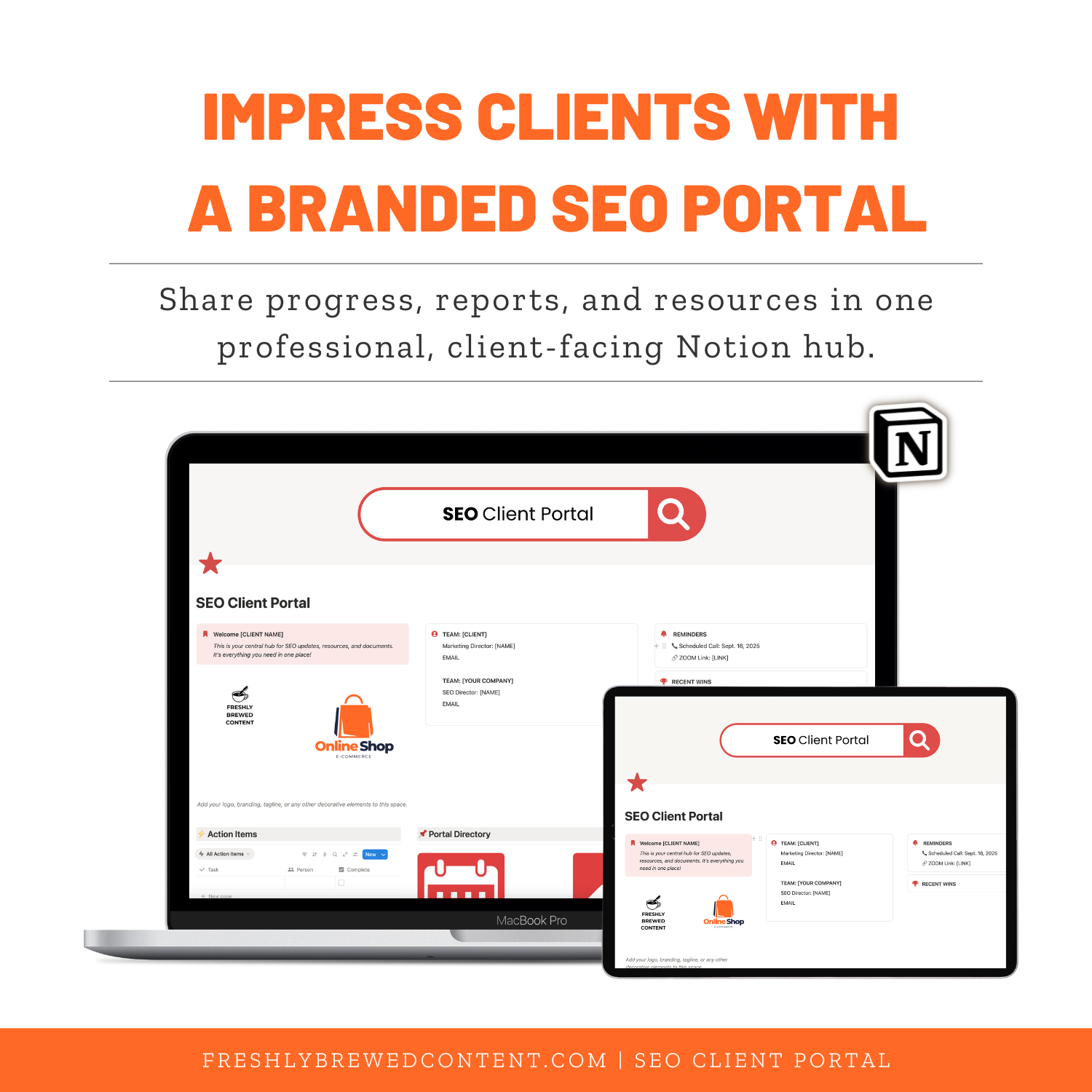
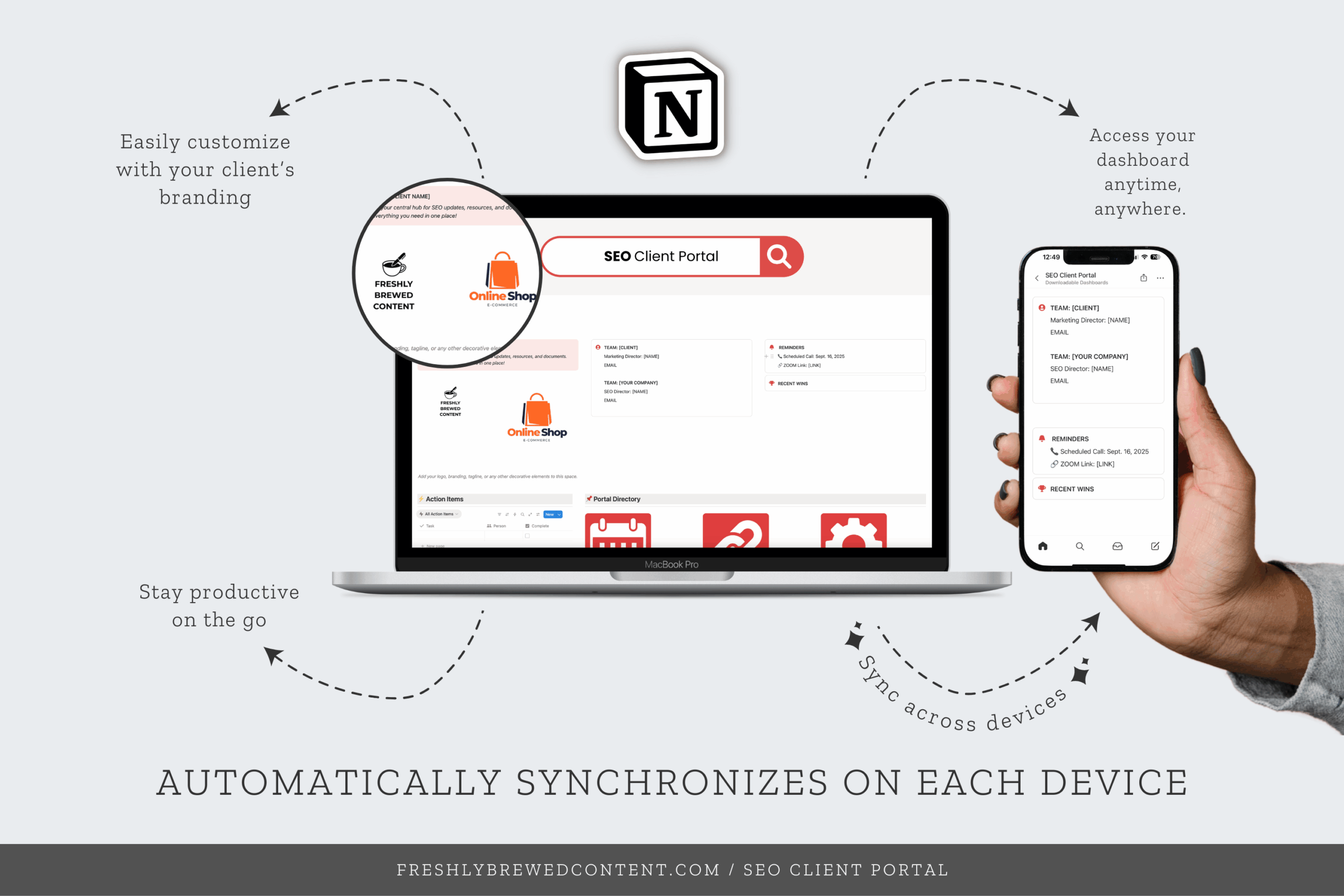
Stop losing track of client communication and deliverables—organize everything in one professional Notion dashboard. The Client Portal Dashboard is a ready-to-use Notion template that gives your clients easy access to reports, resources, deadlines, and invoices in a polished, branded space.
Description
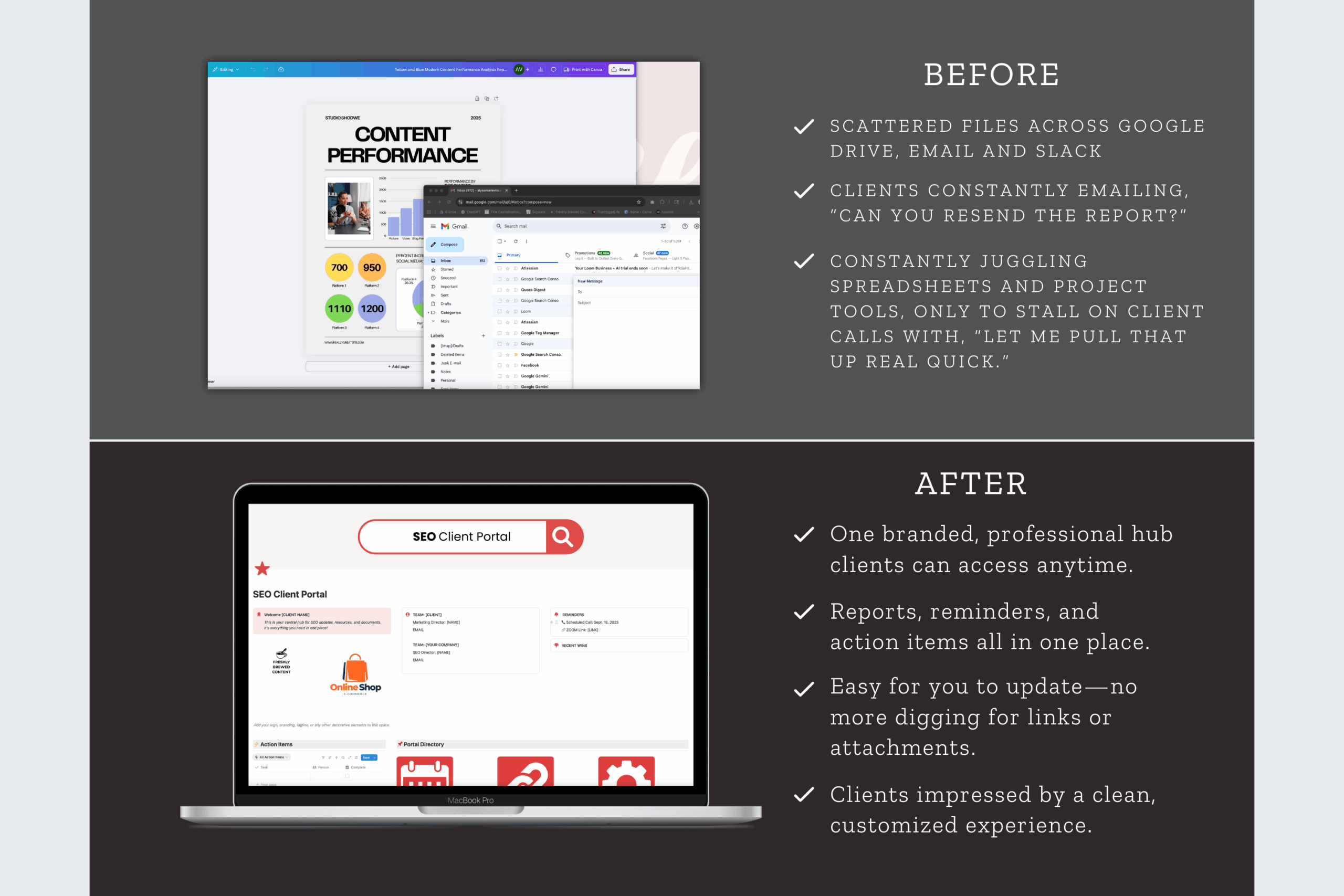
Managing client communication shouldn’t mean juggling endless email threads, spreadsheets, and Google Docs. The SEO Client Portal Dashboard for Notion gives you a clean, professional way to centralize deliverables, updates, and timelines—so your clients always know exactly where to find what they need.
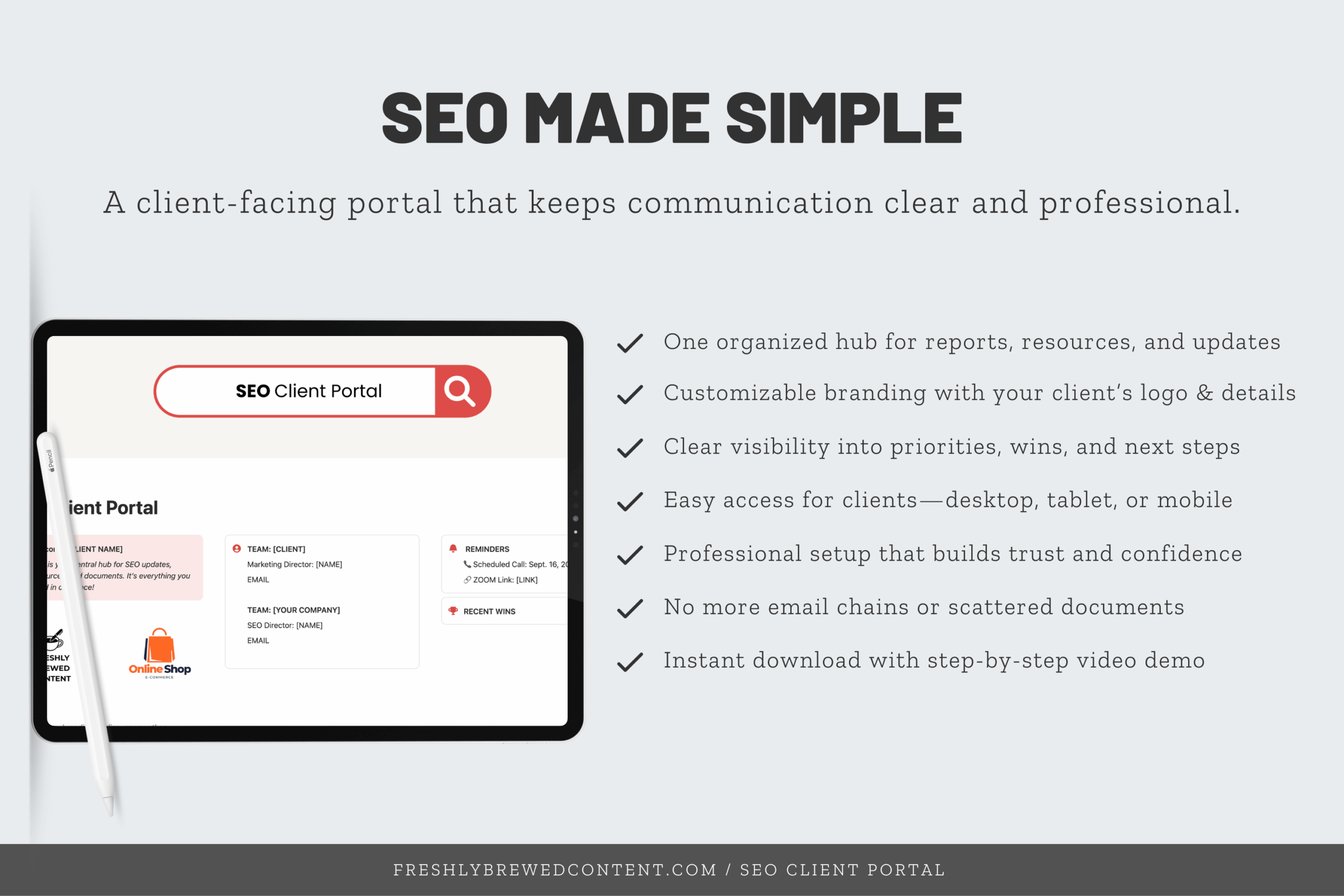
Whether you’re a freelancer, consultant, or small agency, this Notion dashboard makes your process more transparent and helps you deliver a polished, stress-free client experience.
Why Use a Notion Client Portal?
If you’ve ever wondered “what is Notion?” or “what is a Notion dashboard?”, here’s the quick answer: Notion is an all-in-one productivity app that works as a notes tool, project management dashboard template, and collaboration hub. You can use it via the Notion desktop app, the Notion app for Mac or Windows, or directly in your browser after a simple Notion login.
A Notion client portal is a shared space where clients can see project updates, files, and deliverables in real time. It’s one of the most powerful use cases of Notion templates because it eliminates messy back-and-forth and builds client trust.
What’s Inside the Client Portal Dashboard
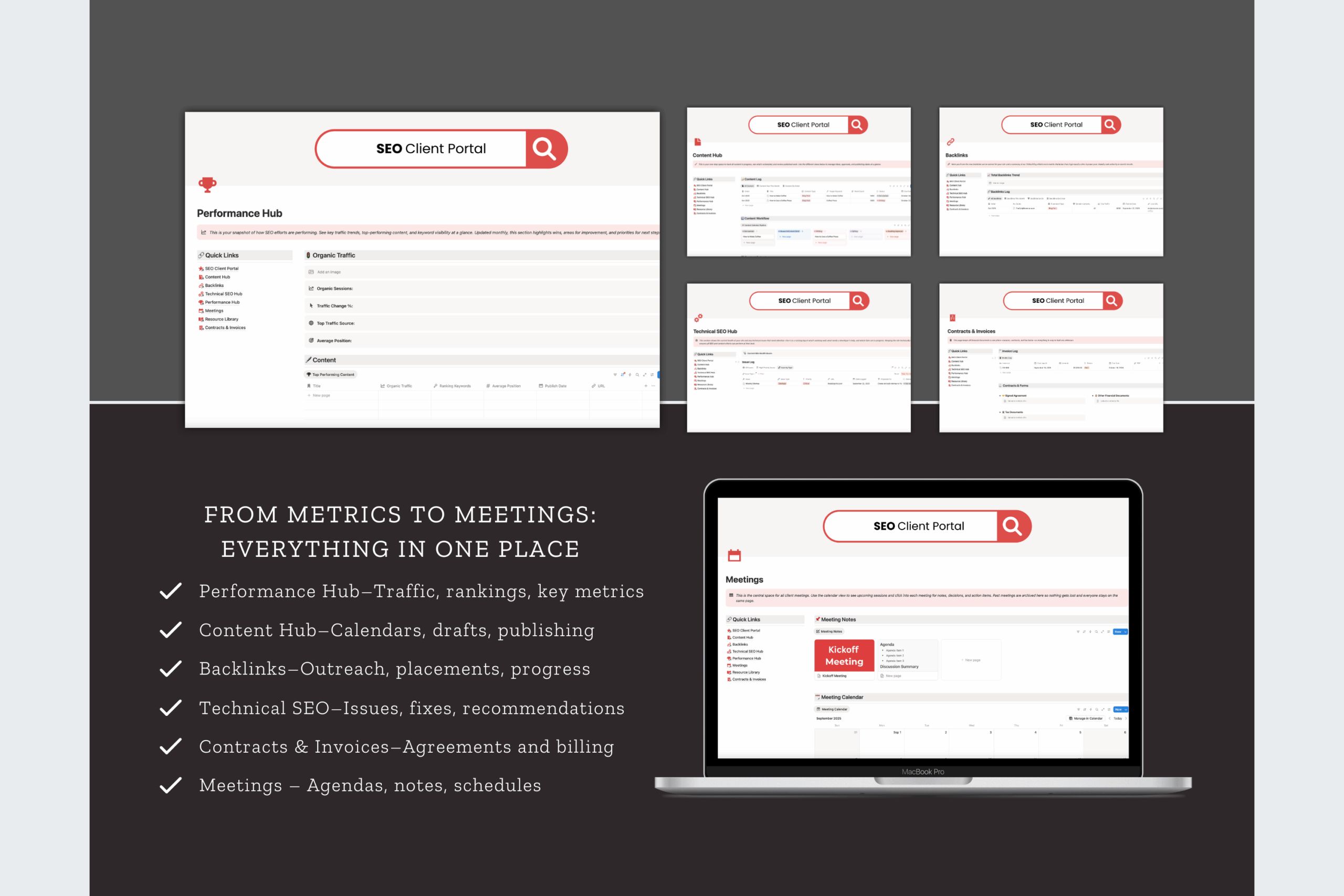
✨ Content Hub – A shared space to organize and deliver reports, blog drafts, and marketing assets.
✨ Backlinks – Keep track of link-building progress so clients see tangible growth.
✨ Technical SEO Hub – Log audits, site fixes, and technical updates in a way that clients can actually understand.
✨ Performance Hub – Visualize key metrics and results so clients can see ROI at a glance.
✨ Meetings – Record agendas, notes, and outcomes from client calls all in one place.
✨ Resource Library – Store guides, brand assets, and reference docs for easy client access.
✨ Contracts & Invoices – Track agreements, invoices, and payments in one organized hub.
How You’ll Receive It
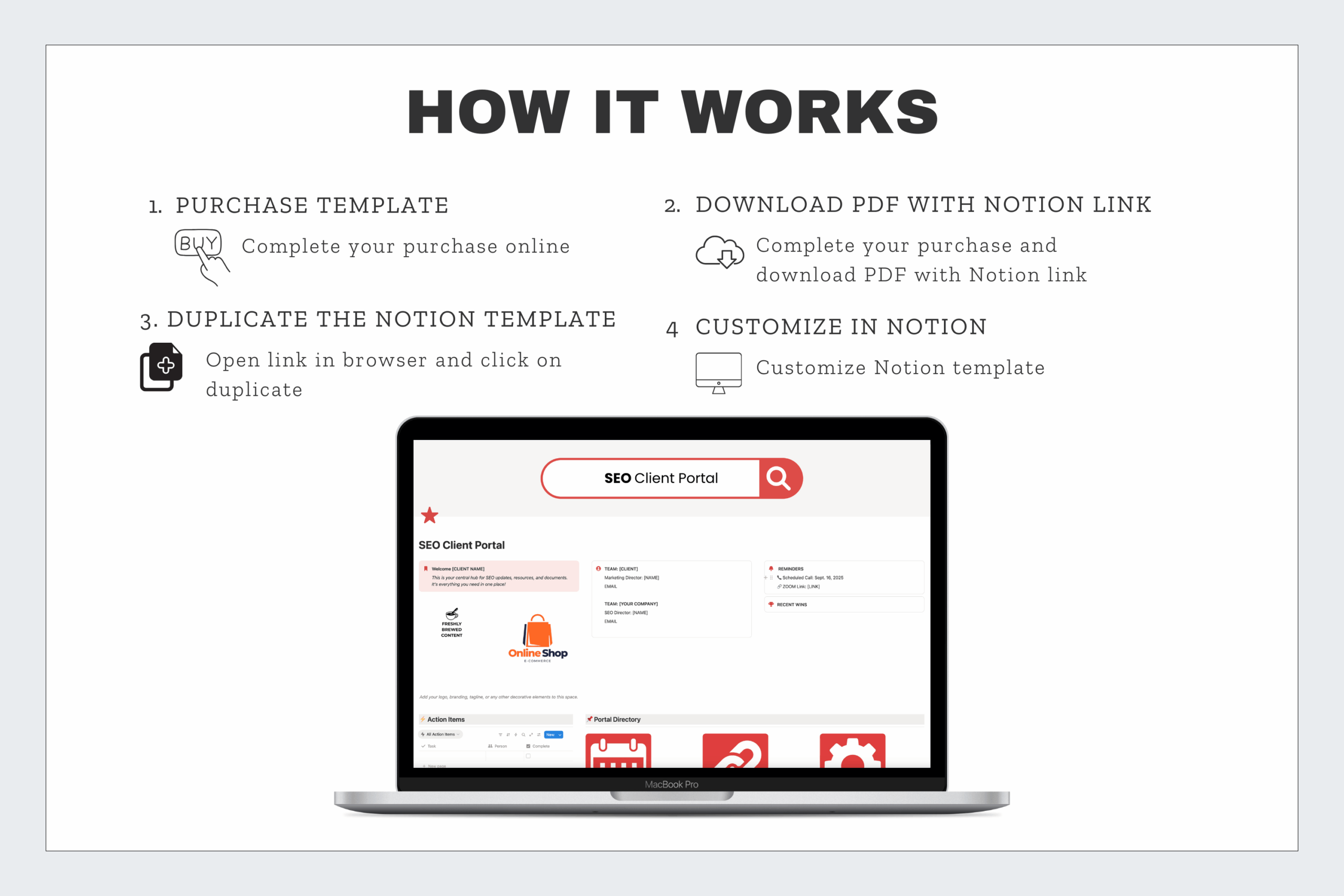
When you purchase, you’ll get a PDF with step-by-step instructions. Inside is a Notion template share link that lets you duplicate the dashboard into your own Notion workspace in seconds.
Who It’s For
-
Freelancers who want to streamline communication and look more professional.
-
SEO consultants who need a clear, easy-to-use client tracker dashboard.
-
Small agencies who want to provide clients with a polished, branded experience.
-
Anyone who wants to reduce email overload and organize client deliverables in one place.
Why Choose This Template?
There are plenty of free Notion templates and aesthetic Notion dashboards out there, but few are designed specifically for client management. This Notion portal template was created by an SEO strategist who understands how important client communication is. It’s not just a workspace—it’s a system that saves you time, reduces confusion, and improves client retention.
It also integrates seamlessly with Notion AI, the Notion API, and Notion integrations (like Zapier and Google Drive). You can embed tools, add Notion widgets, or even sync a Google Calendar to Notion for real-time updates.
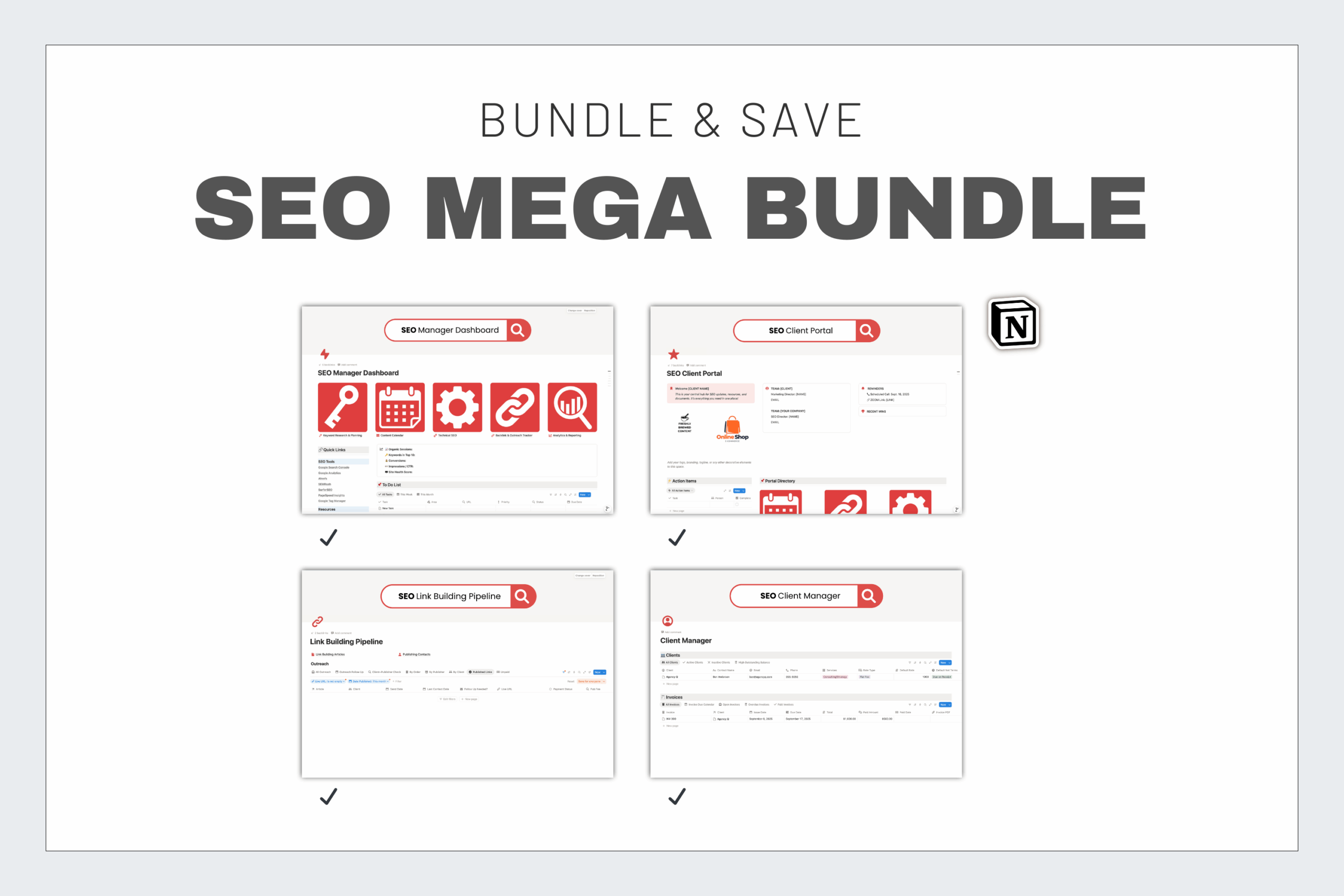
Also available in:
-
🤝 Clients Care Bundle – Client Portal + Client Manager
-
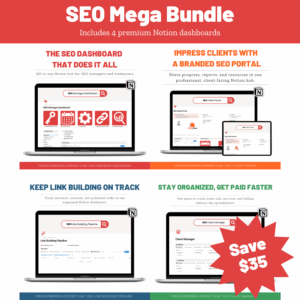
🌟 SEO Mega Bundle – All four dashboards in one
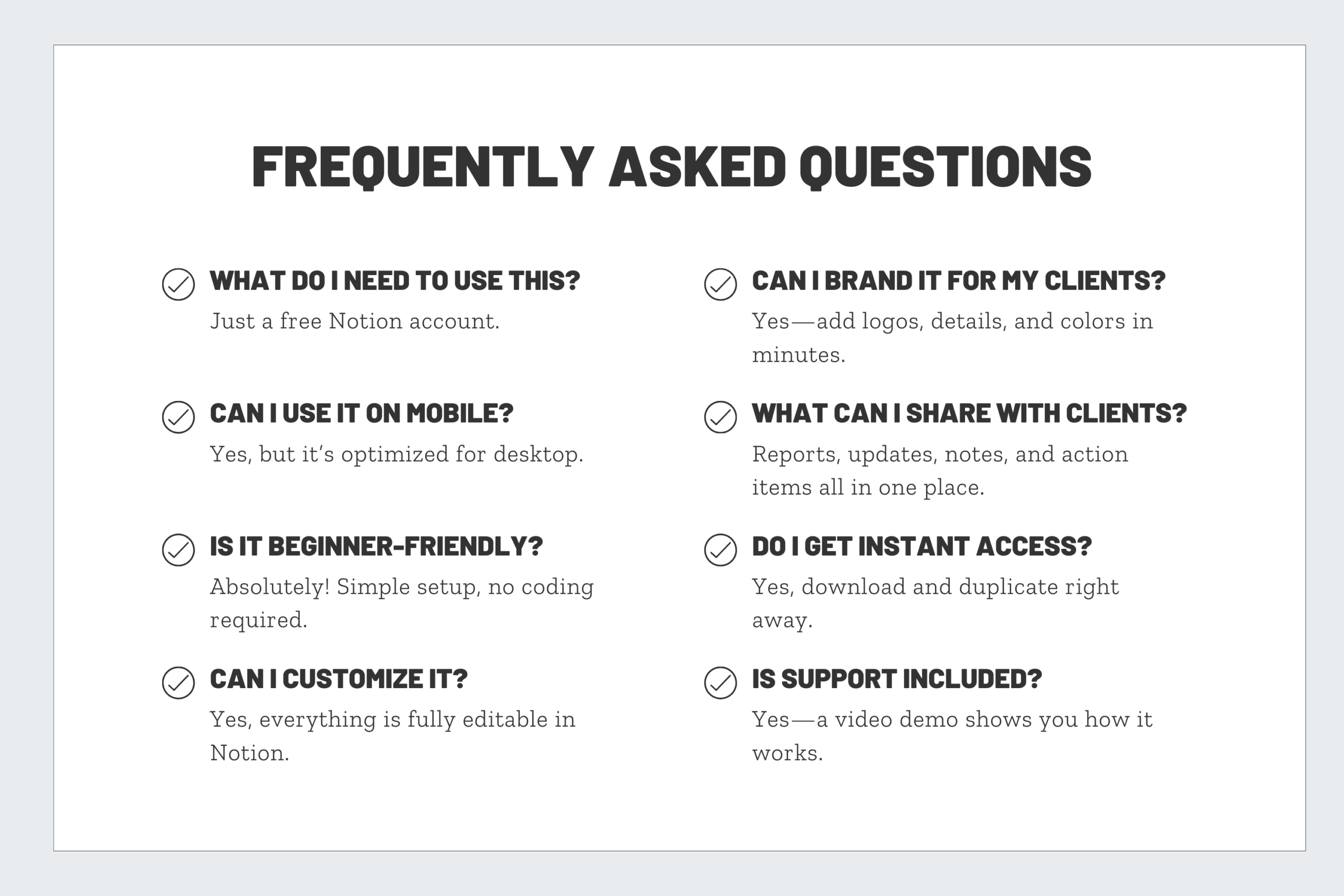
Frequently Asked Questions
How does a Notion client portal improve communication?
Instead of digging through email threads, your clients have a single login link where they can find updates, reports, and project files instantly.
Can I customize the client portal for different clients?
Yes! You can duplicate the portal for each client and customize the branding, content, and resources to match their needs.
Will my clients need to pay for Notion?
No. Clients can access your shared portal through the free Notion plan or even as a public link if you prefer not to invite them into your workspace.
Is it secure to share deliverables in Notion?
Yes. You control all sharing settings. You can limit access to specific people, set permissions to “view only,” or revoke access anytime.
What makes this better than just sending Google Docs or PDFs?
A portal feels more professional and keeps everything in one place—content, meetings, invoices, and results. It reduces back-and-forth, saves time, and makes you look organized.
Reviews
There are no reviews yet.