SEO Client Manager Notion Dashboard
$17.00
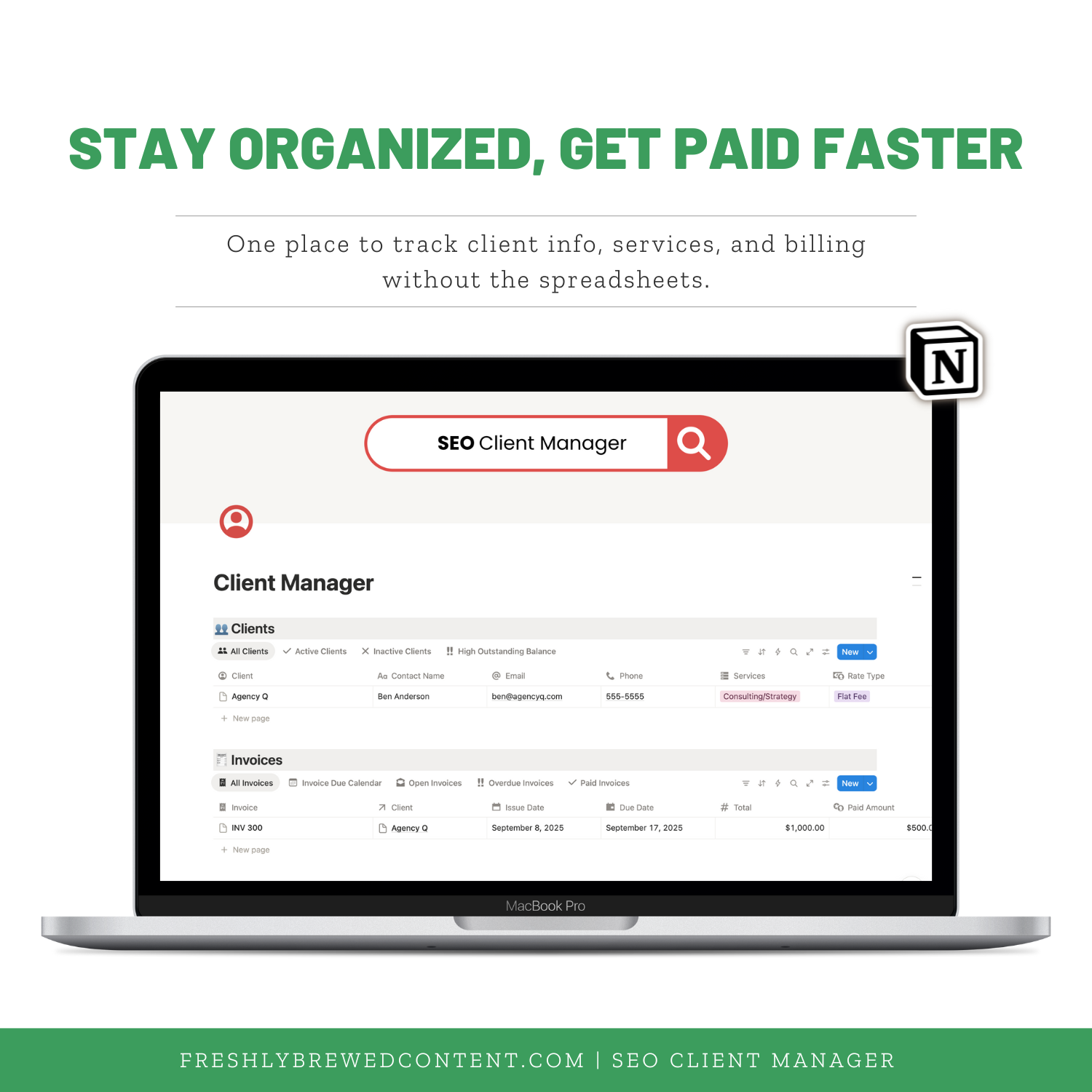
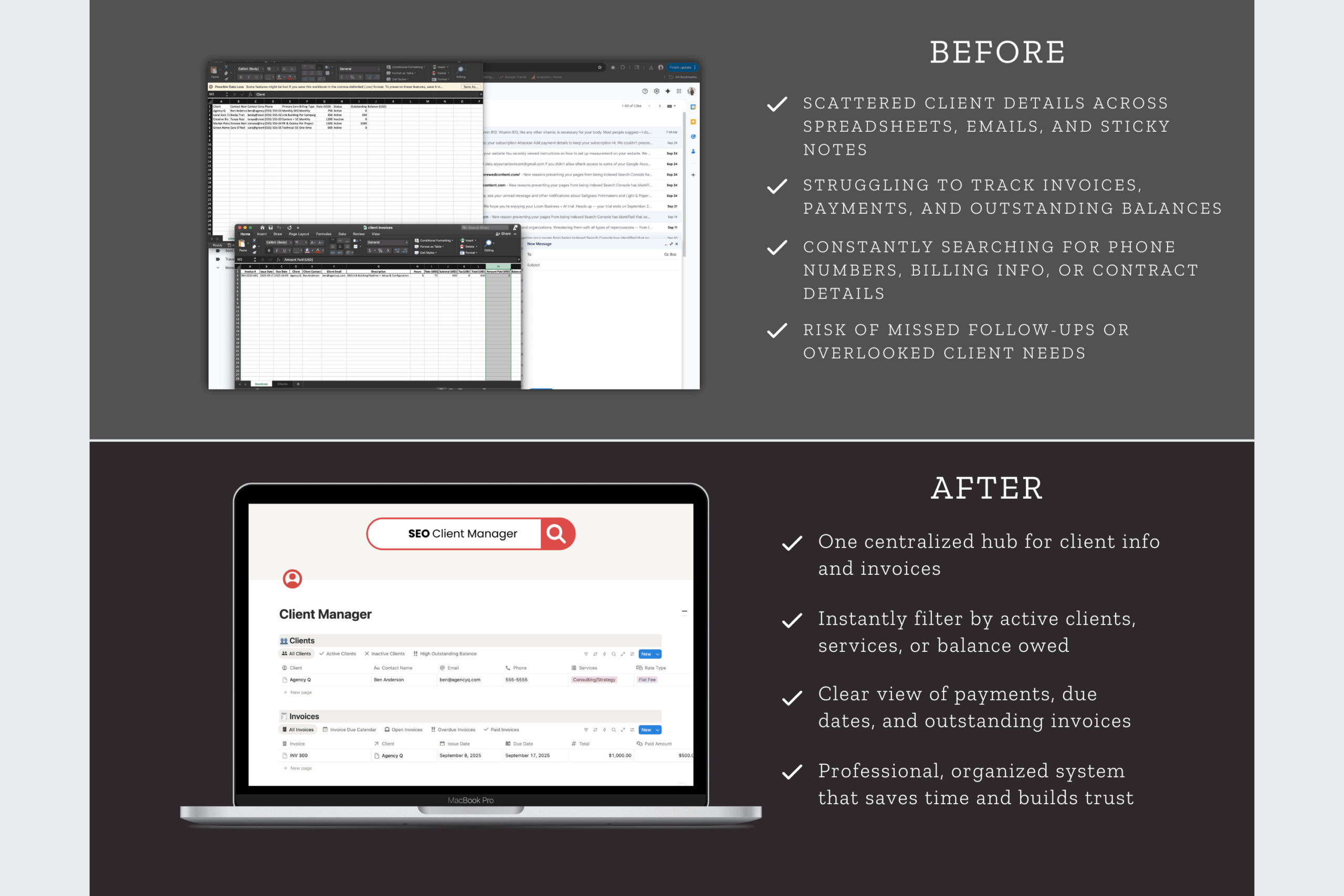
Keep client details, invoices, and payments organized in one simple Notion dashboard. The Client Manager Dashboard is a ready-to-use Notion template that helps freelancers and agencies track client info, monitor balances, and stay on top of billing—without relying on messy spreadsheets.
Description
Managing multiple clients can feel overwhelming when details are scattered across invoices, emails, and spreadsheets. The SEO Client Manager Dashboard for Notion gives you a clear system to track client information, payments, and balances—all inside one organized Notion template.
This dashboard is designed for freelancers, consultants, and agencies who want a simple way to manage client relationships without expensive software. It works on its own, but it’s even more powerful when paired with the Client Portal Dashboard, creating a complete workflow for both internal tracking and client-facing communication.
Why Use a Notion Dashboard for Client Management?
Notion is more than a note-taking app. It’s an all-in-one productivity platform that can replace CRMs, planners, and project trackers. With a Notion dashboard template, you can store client details, log invoices, and track payments in a system that’s easy to customize and access from anywhere.
Unlike generic spreadsheets, Notion dashboards are interactive. You can filter by client, set reminders for follow-ups, and link invoices directly to client records. And since Notion works on desktop, mobile, and the Notion app for Mac or Windows, your client tracker is always with you.
What’s Inside the SEO Client Manager Dashboard
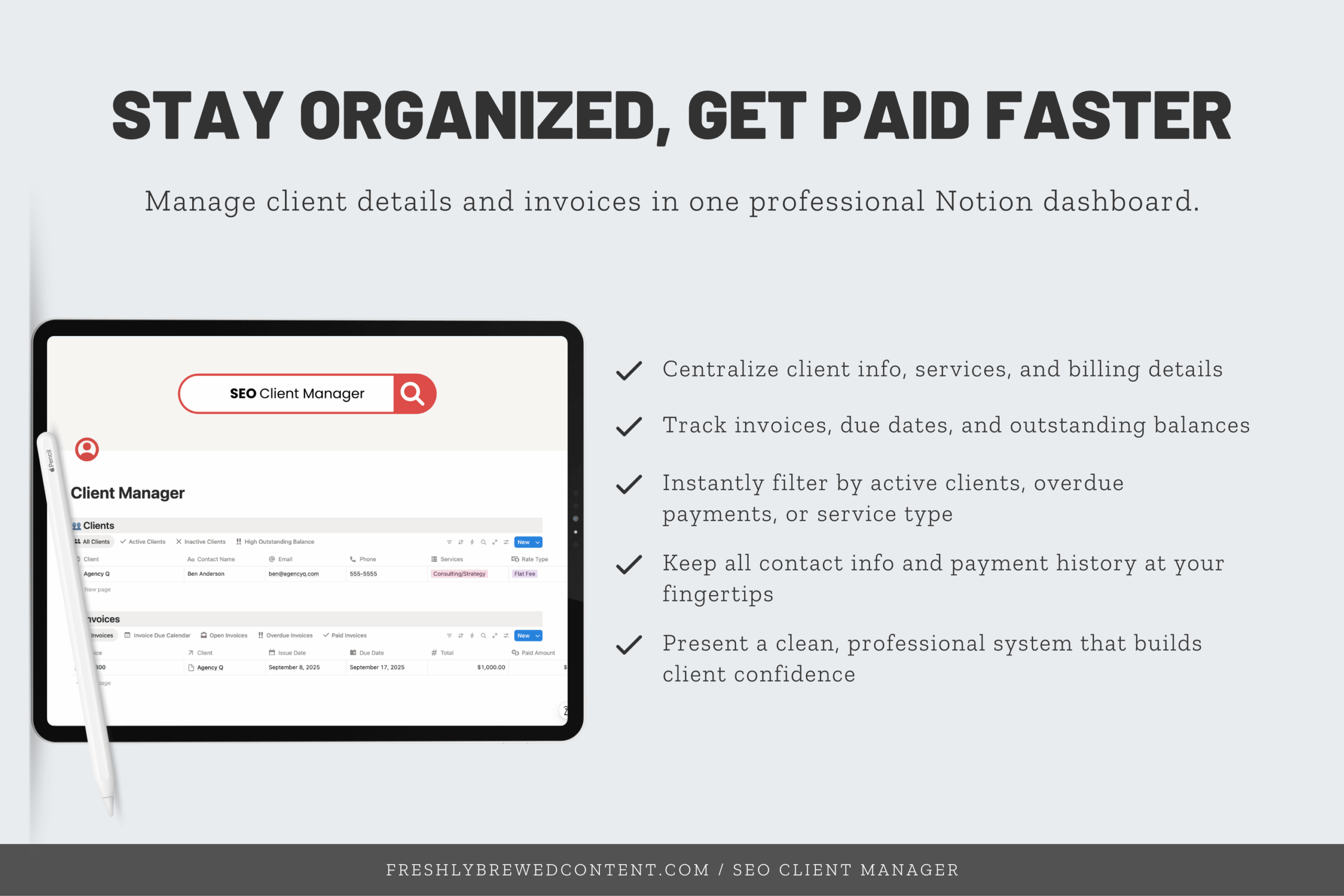
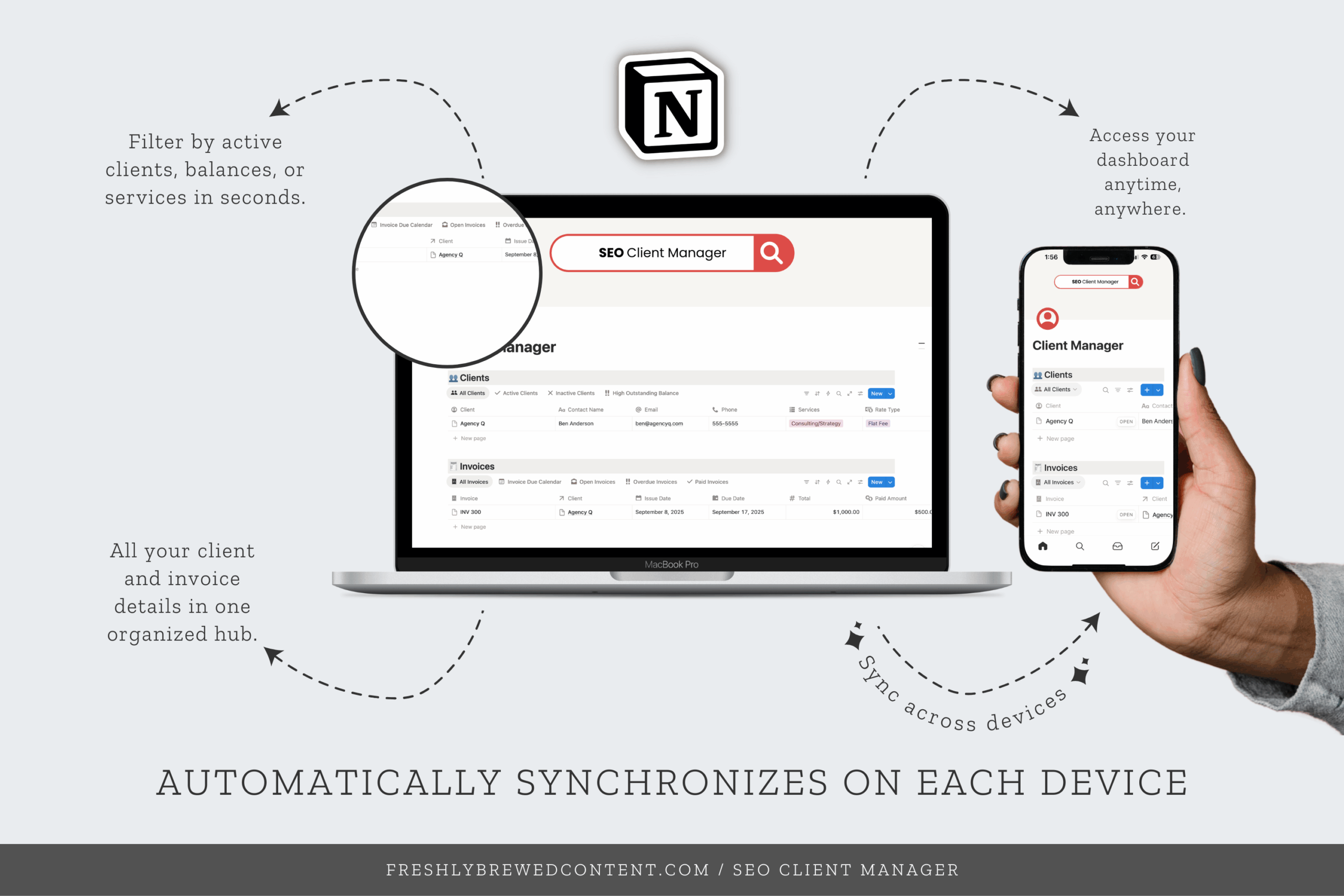
✨ Client Directory – Store client contact info, project notes, and account details in one place.
✨ Invoice Tracker – Record sent invoices, due dates, and payments received.
✨ Payment Status – See at a glance which clients are current and which have outstanding balances.
✨ Follow-Up Reminders – Never miss an invoice check-in or client payment follow-up again.
✨ Simple Filters – Sort by client, status, or payment history for quick clarity.
This dashboard is built to be straightforward. You don’t need to learn complicated software—everything is organized into a clean, repeatable system that fits right into your existing Notion workspace.
How the Client Manager Works with the Client Portal
The Client Portal Dashboard helps you share reports and updates with clients. The Client Manager Dashboard is your private back-end system to track invoices and account details.
Together, they give you:
-
A professional space to share deliverables (portal).
-
An organized system to manage invoices and payments (manager).
-
A smoother workflow that saves time and reduces stress.
That’s why both are included in the Clients Care Bundle.
How You’ll Receive It
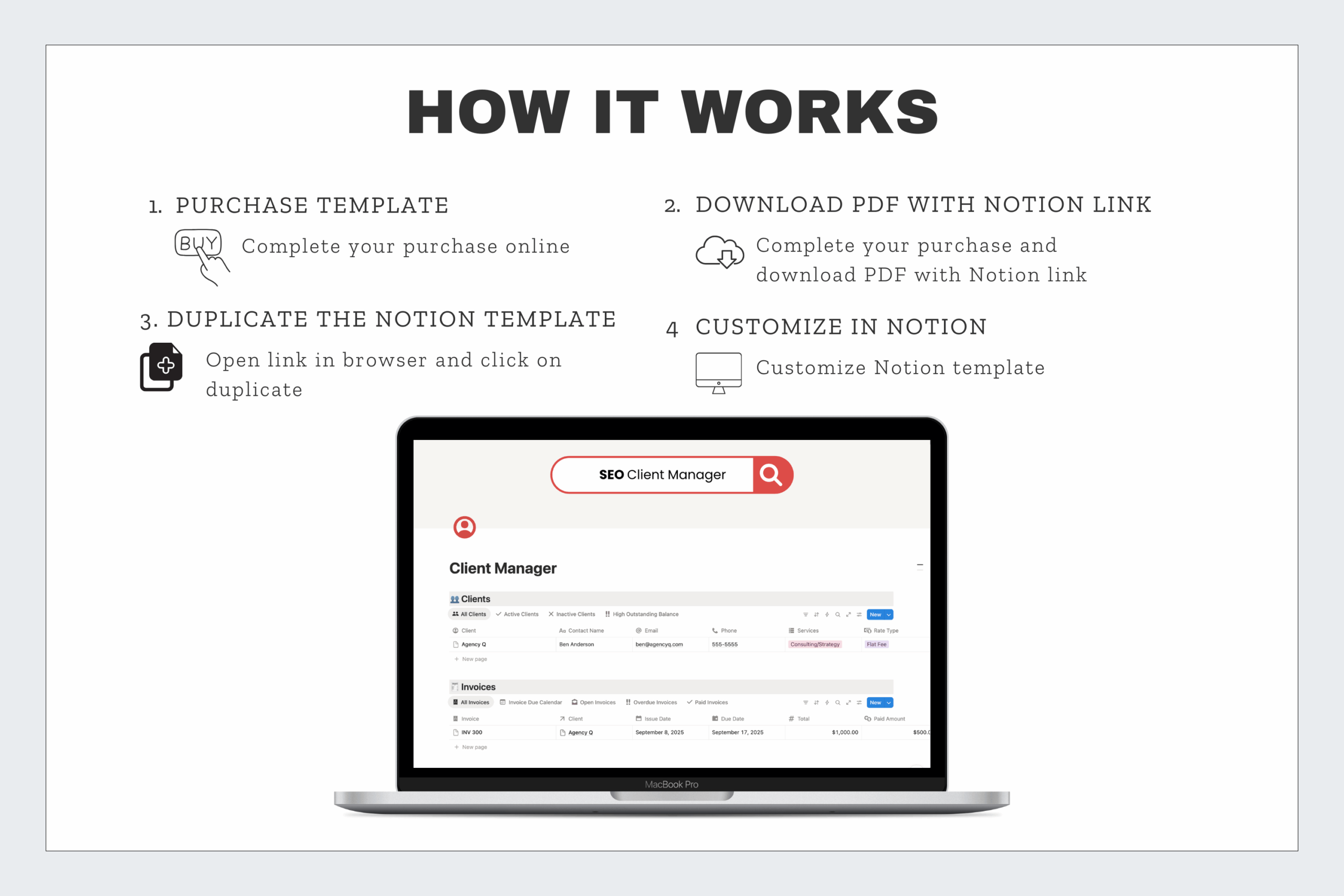
When you purchase, you’ll get a PDF with step-by-step instructions. Inside is a Notion template share link that lets you duplicate the dashboard into your own workspace instantly.
Setup is quick and beginner-friendly. Even if you’ve only used Notion for notes or a simple to-do list, you’ll be able to start tracking client details right away.
Who It’s For
-
Freelancers who need a simple Notion client tracker for projects and payments.
-
SEO consultants who want to track invoices without paying for a full CRM.
-
Agencies who manage several clients and want a central system for billing.
-
Creators who want to keep invoices and balances organized in one dashboard.
Why Choose Freshly Brewed Content’s Notion Templates?
Generic trackers don’t account for the unique needs of SEO and client work. This dashboard was built by an SEO strategist who understands both.
All of our templates are easy to customize with Notion icons, covers, and widgets so you can tailor them to your workflow. They’re also fully compatible with Notion AI, the Notion API, and integrations like Zapier, giving you the flexibility to connect your tools. Most importantly, each template is designed for clarity and daily use—so you spend less time chasing invoices and more time focusing on results.
Also available in
-
🤝 Clients Care Bundle – Client Manager + Client Portal
-
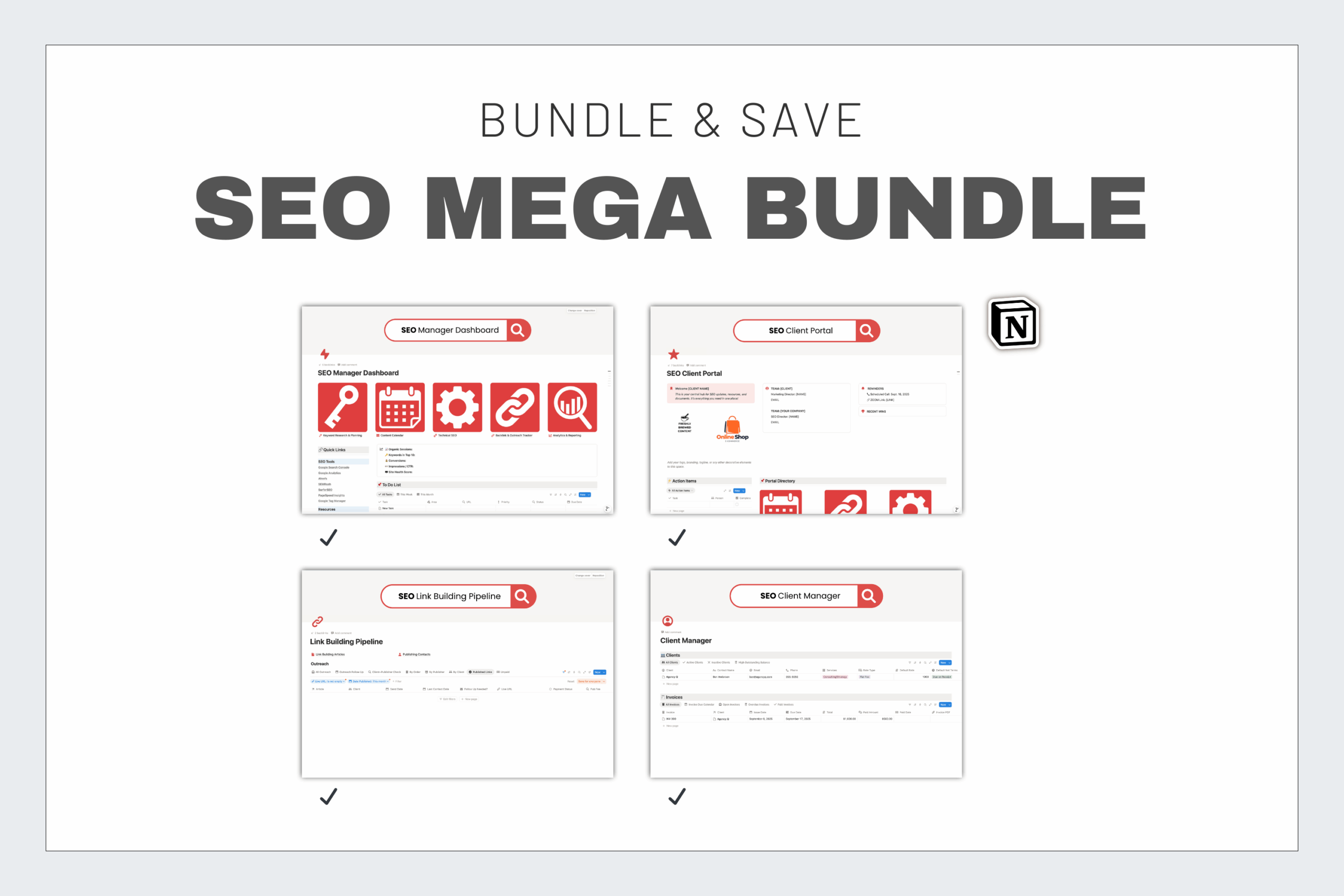
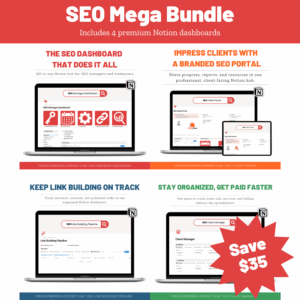
🌟 SEO Mega Bundle – All four dashboards in one
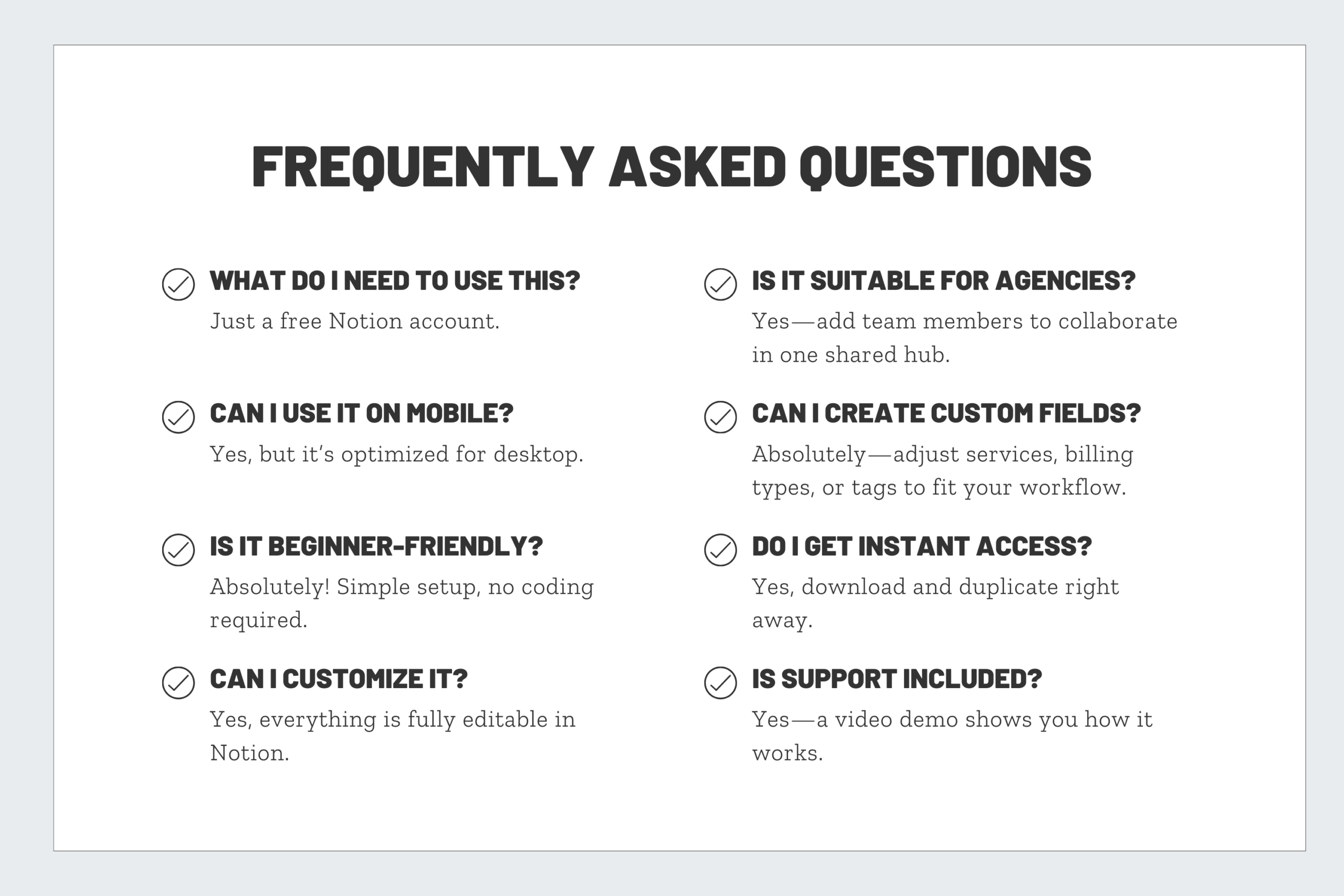
Frequently Asked Questions
Can I use the Client Manager without the Client Portal?
Yes. The Client Manager works perfectly as a standalone system. However, the two dashboards complement each other when used together.
Does this replace accounting software?
No. This template is meant as an invoice tracker, not a replacement for bookkeeping software. You can still export data and use it alongside tools like QuickBooks or Wave.
Will my clients see this dashboard?
No. The Client Manager is for your internal use only. If you’d like to share deliverables, pair it with the Client Portal.
Do I need a paid Notion plan?
No. The template works perfectly with Notion’s free plan. Paid Notion plans simply add more collaboration features.
How secure is client data in Notion?
Notion uses encryption and allows you to control access. As long as you keep the template private, client information remains secure.

Reviews
There are no reviews yet.