
SEO Client Care Bundle
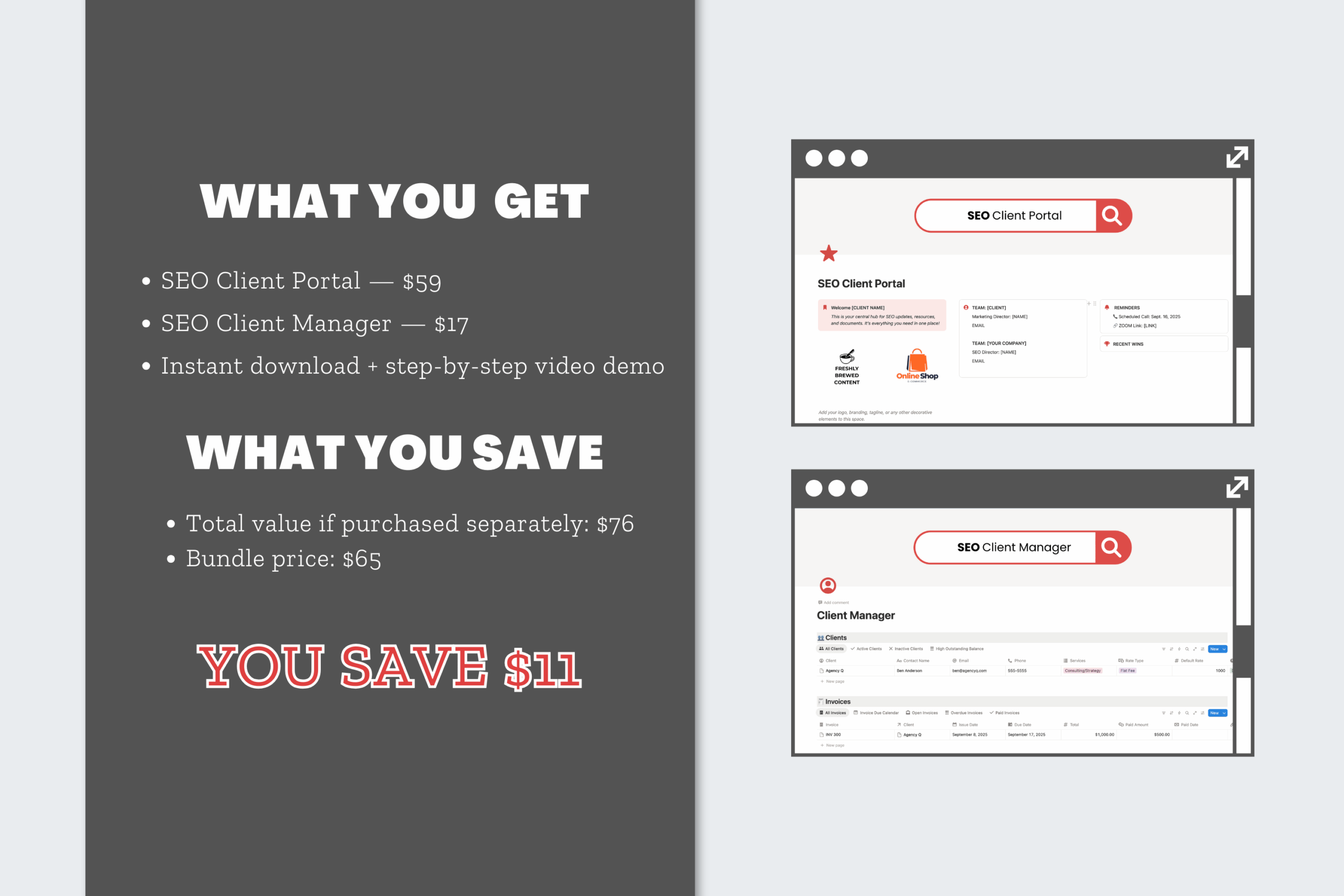
$65.00
Streamline how you work with clients using two powerful Notion dashboards in one bundle. The Clients Care Bundle includes the Client Portal Dashboard for sharing reports and resources, plus the Client Manager Dashboard for tracking invoices, payments, and account details—all in one organized system.
Description
Managing client communication and account details can get messy fast. Reports live in one folder, invoices in another, and updates get buried in email threads. The Clients Care Bundle for Notion solves that problem by combining two powerful dashboards: the Client Portal Dashboard and the Client Manager Dashboard.
Together, they give you a complete client workflow—one professional space for clients to access updates and deliverables, and one private space where you can track invoices, payments, and account details.
Why Use a Notion Dashboard for Client Management?
Notion is more than just a note-taking tool. It’s a flexible productivity platform where you can organize communication, projects, and payments in one place. With the right Notion templates, it can act as both a client-facing portal and an internal CRM.
Instead of juggling multiple apps, the Clients Care Bundle allows you to:
-
Share reports, resources, and project updates with clients in a professional portal.
-
Track invoices, payment statuses, and client account details privately.
-
Reduce back-and-forth emails and deliver a smoother client experience.
What’s Inside the Clients Care Bundle
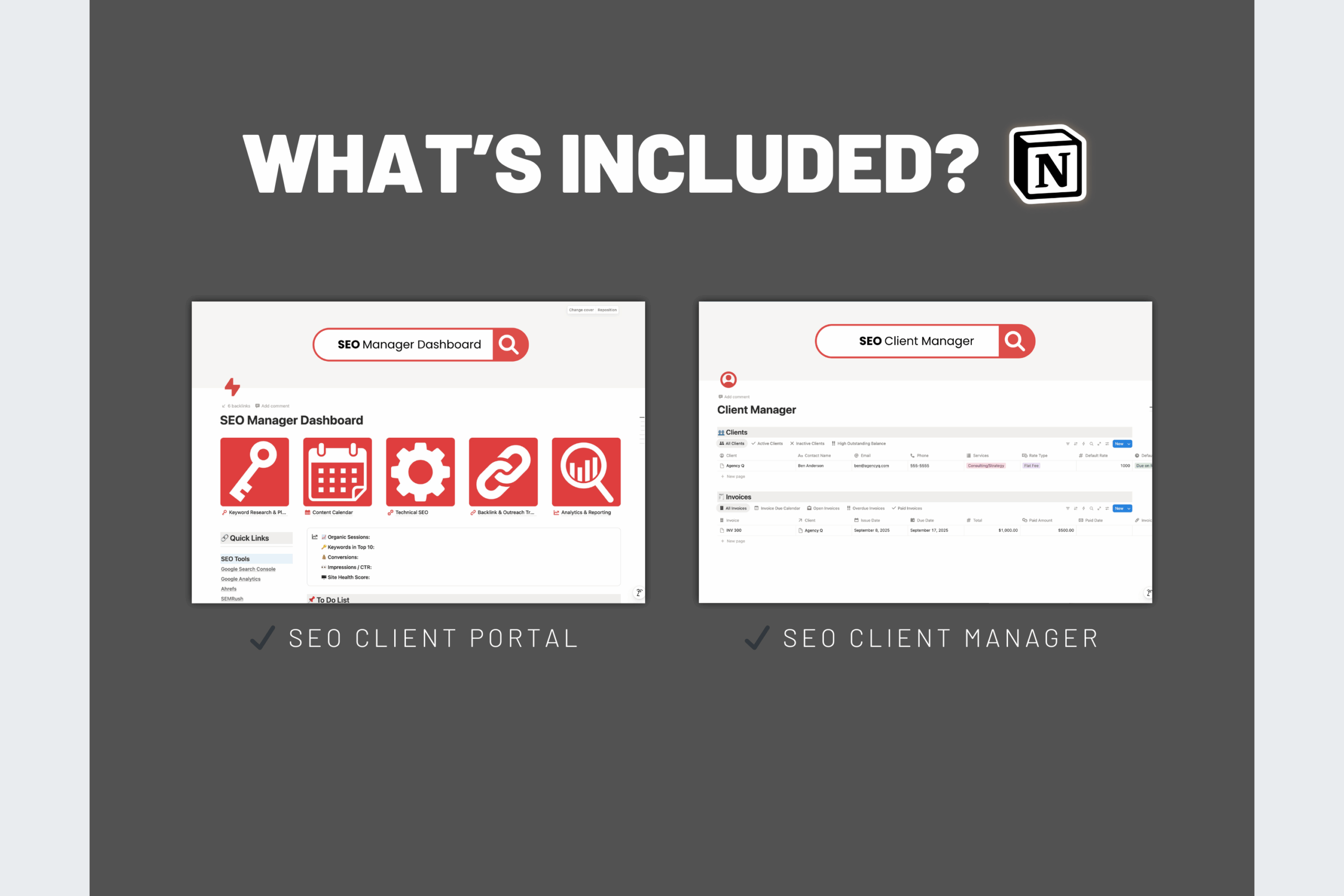
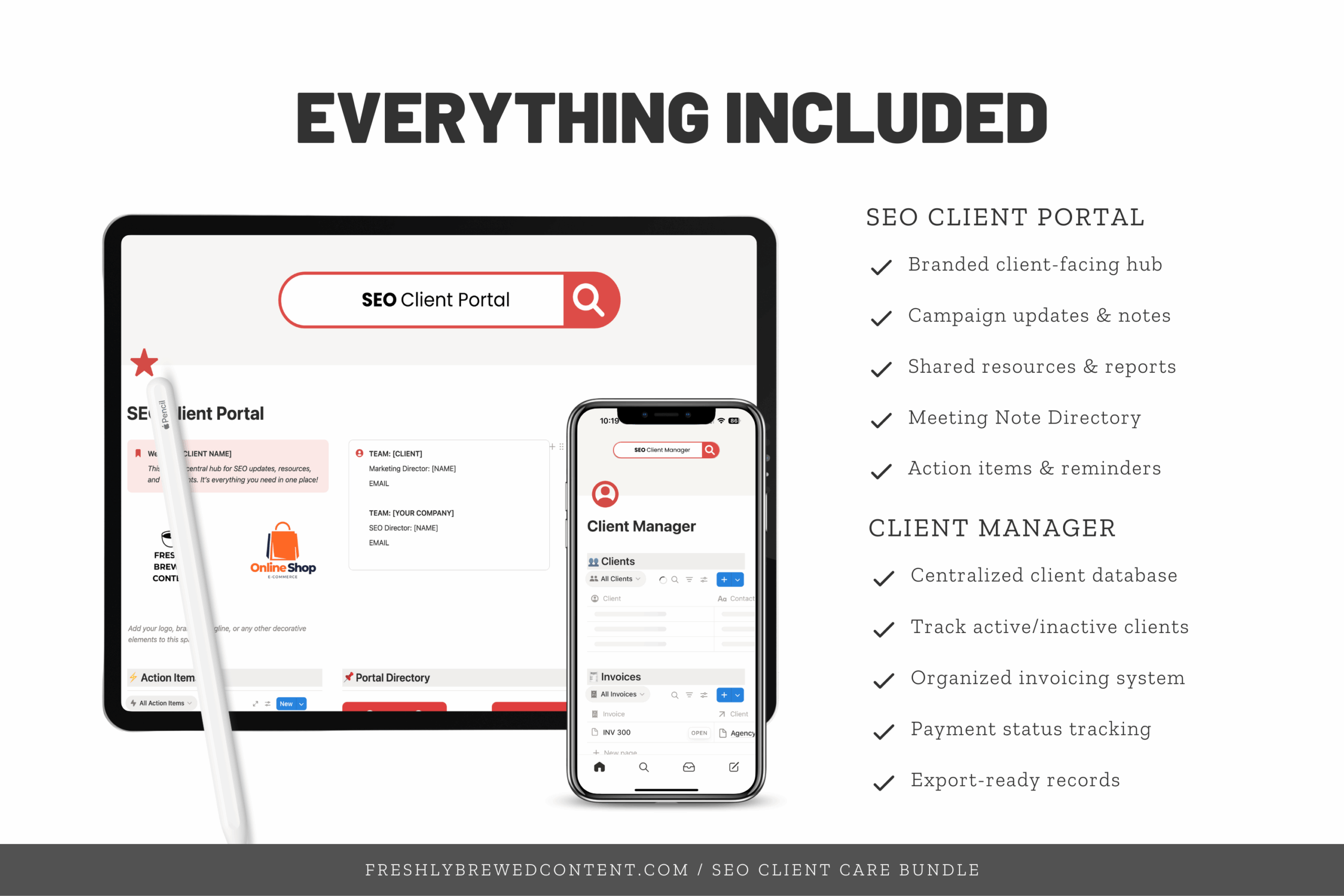
✨ Client Portal Dashboard – A professional, branded hub where clients can find reports, project milestones, meeting notes, and shared resources.
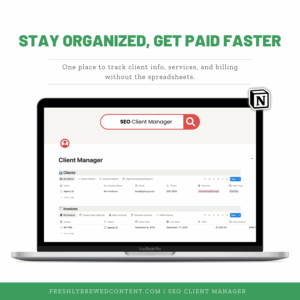
✨ Client Manager Dashboard – Your private client tracker to log invoices, monitor payments, and organize account details.
The two dashboards work side by side. Clients get the clarity they need, while you stay on top of the financial side of projects.
How You’ll Receive It
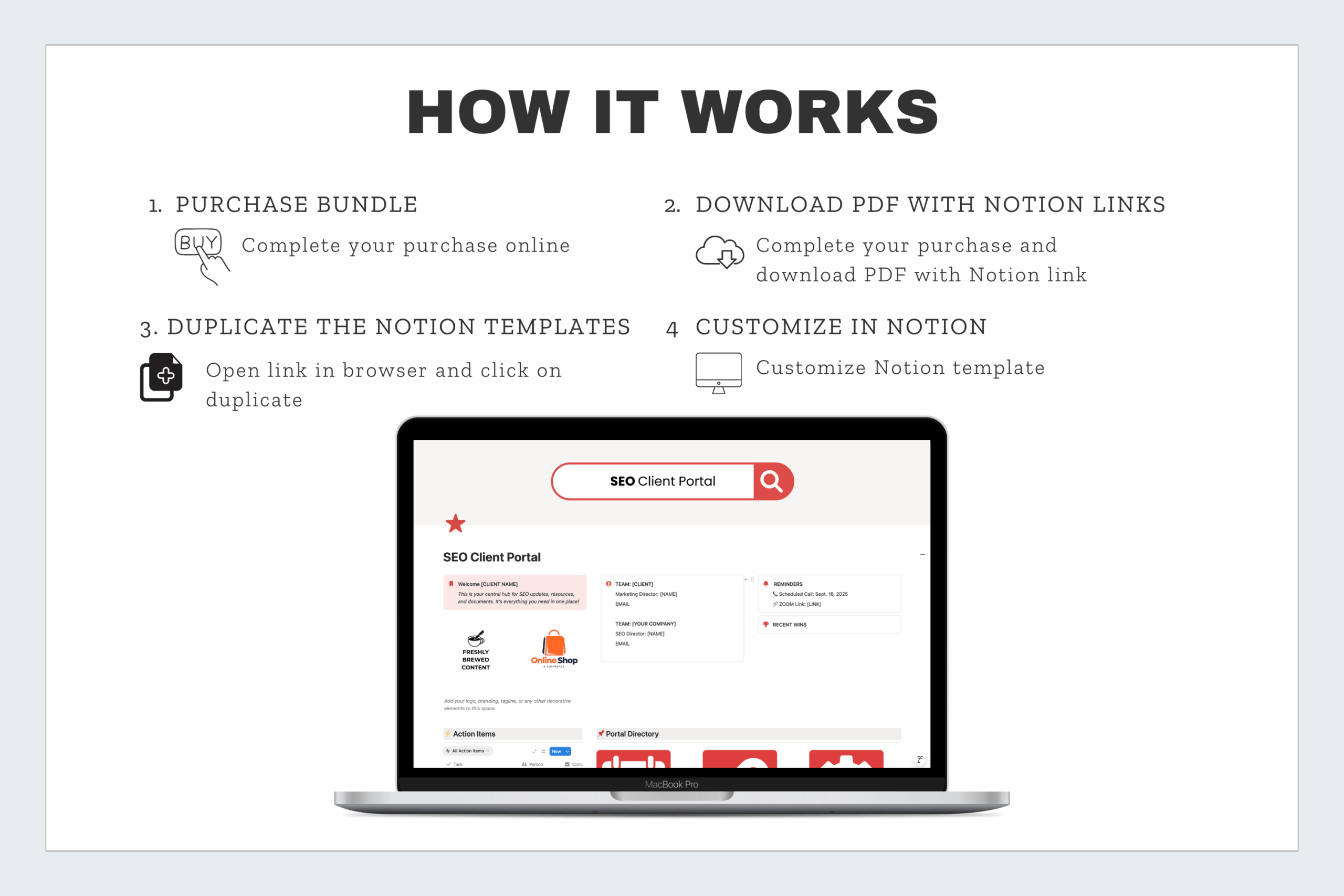
When you purchase, you’ll get a ZIP folder with PDF instructions for both dashboards. Inside are Notion template share links so you can duplicate each one into your own Notion workspace.
Setup is quick and beginner-friendly. Even if you’ve only used Notion for simple tasks, you’ll be ready to share a polished portal and manage clients in minutes.
Who It’s For
-
Freelancers who want to streamline communication and billing with clients.
-
SEO consultants who need both a client tracker and a professional portal.
-
Agencies looking for a repeatable system to manage multiple client relationships.
-
Creators who want to look more professional while keeping account details organized.
Why Choose the Clients Care Bundle?
The Client Portal and Client Manager are effective on their own, but when combined, they give you a complete client management system. You’ll have one dashboard for client-facing communication and one for your own internal tracking.
All of our templates are easy to customize with Notion icons, covers, and widgets. They’re also fully compatible with Notion AI, the Notion API, and integrations like Zapier. Most importantly, they’re designed for clarity and daily use—so you spend less time chasing invoices and more time keeping clients happy.
Want more?
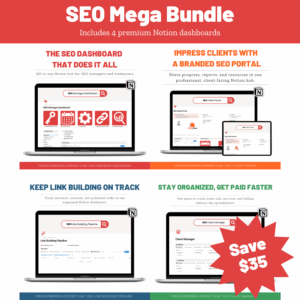
👉 Want the full system? Upgrade to the SEO Mega Bundle and get all four dashboards in one.
Frequently Asked Questions
Do I need both dashboards?
You can buy them separately, but the bundle ensures you have both client-facing and internal tools for smoother workflows.
Will my clients need to pay for Notion?
No. Clients can access the portal for free using a shared link or a free Notion account.
Does the Client Manager replace accounting software?
No. It’s designed as an invoice tracker, not full accounting software. You can still export data and use it with tools like QuickBooks or Wave.
How do I customize the dashboards?
Each template is fully editable. You can add fields, change layouts, and customize with your own branding.
How secure is client data?
You control all access and permissions in Notion. The Client Portal can be shared with clients, while the Client Manager stays private in your workspace.

Reviews
There are no reviews yet.