Link Building Pipeline Notion Dashboard
$29.00
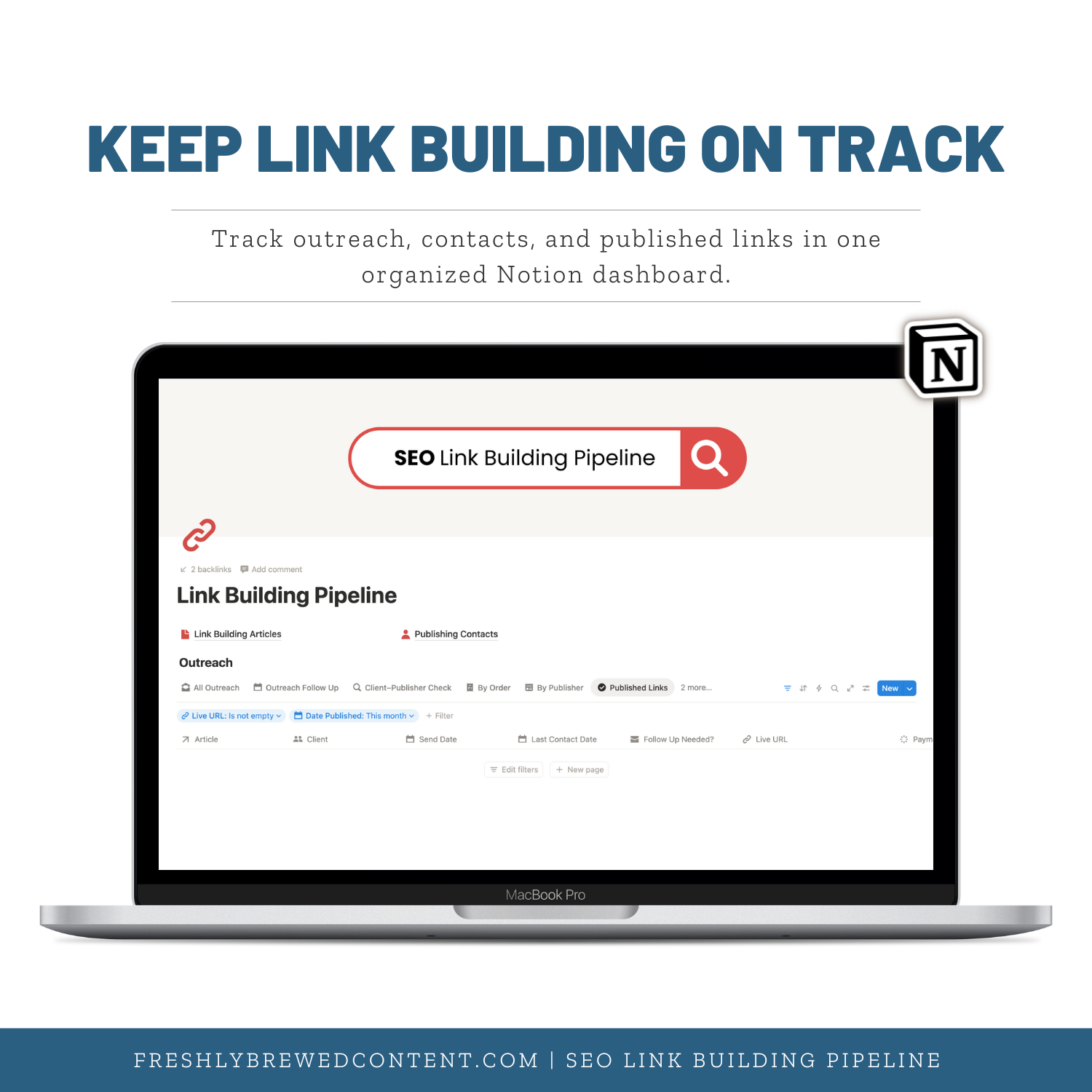
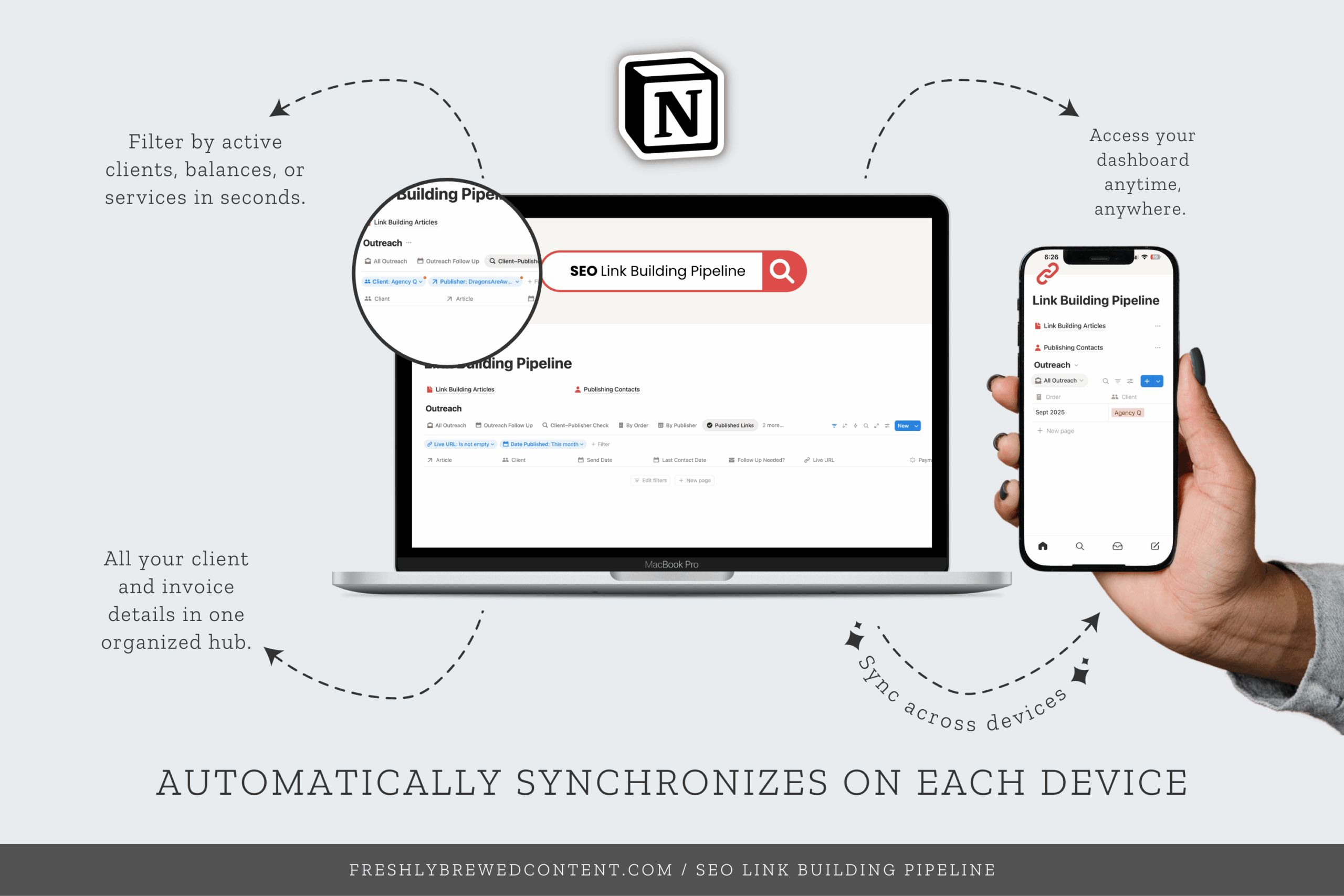
Stop losing track of outreach emails and publisher lists—manage everything in one organized Notion dashboard. The Link Building Pipeline is a ready-to-use Notion template that helps you log contacts, track follow-ups, and record published links without messy spreadsheets.
Description
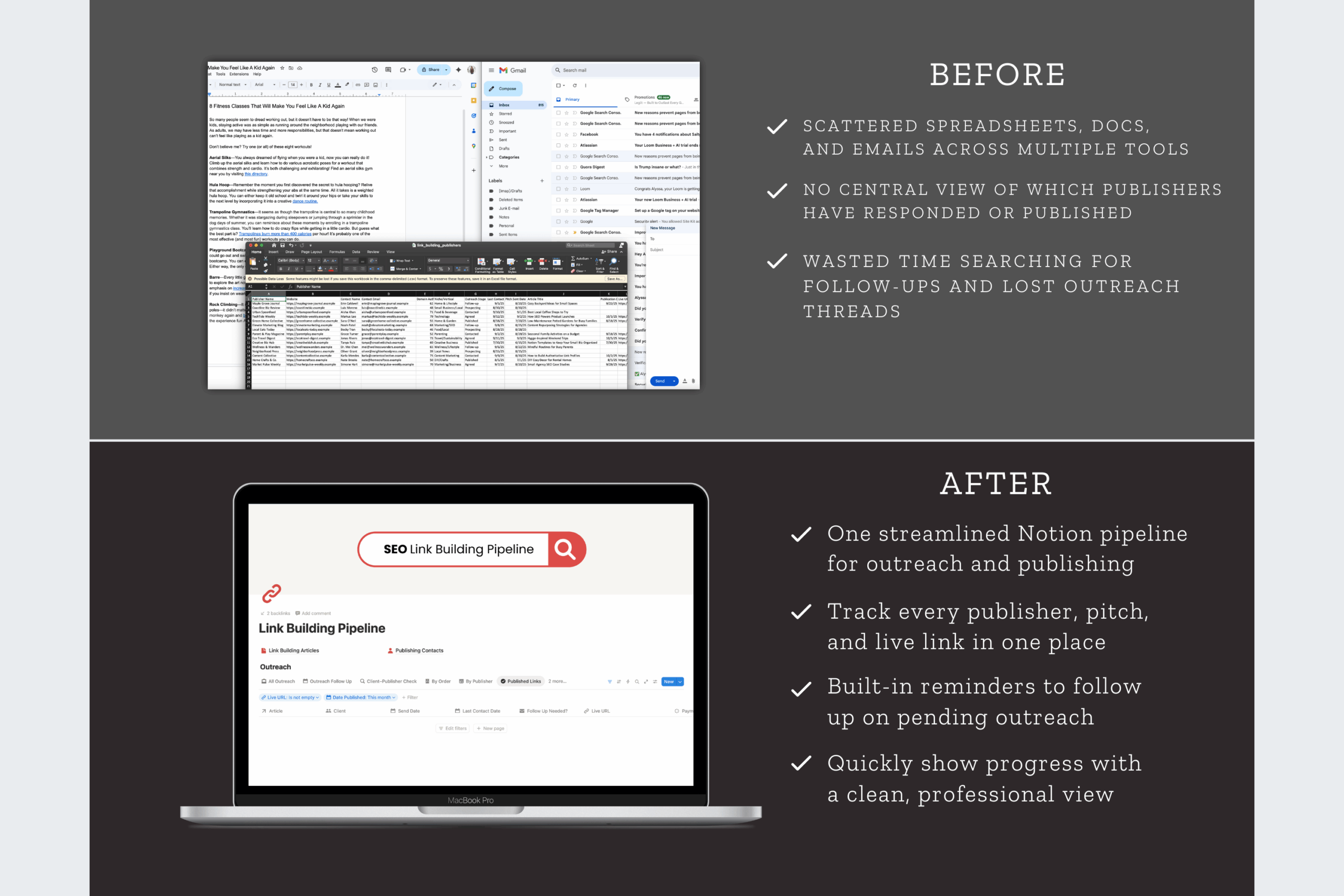
Managing link building often means juggling spreadsheets, inboxes, and endless follow-ups. The Link Building Pipeline Dashboard for Notion takes the chaos out of the process by giving you a simple, structured system to track outreach, responses, and published backlinks.
On its own, it’s a powerful Notion template for organizing link building campaigns. But when combined with the SEO Manager Dashboard, it becomes a complete SEO workflow—helping you connect your outreach efforts to your keyword strategy, technical fixes, and reporting.
Why Use a Notion Dashboard for Link Building?
Link building is one of the most time-consuming parts of SEO. Without a system, it’s easy to lose track of conversations, forget follow-ups, or misplace publisher details. A Notion dashboard template solves this by keeping everything in one workspace.
Unlike a basic spreadsheet, a Notion dashboard is interactive and customizable. You can create databases, tag publishers, and set reminders for follow-ups. Plus, since Notion works on desktop, mobile, and the Notion app for Mac or Windows, you’ll always have your link building system on hand.
What’s Inside the Link Building Pipeline Dashboard
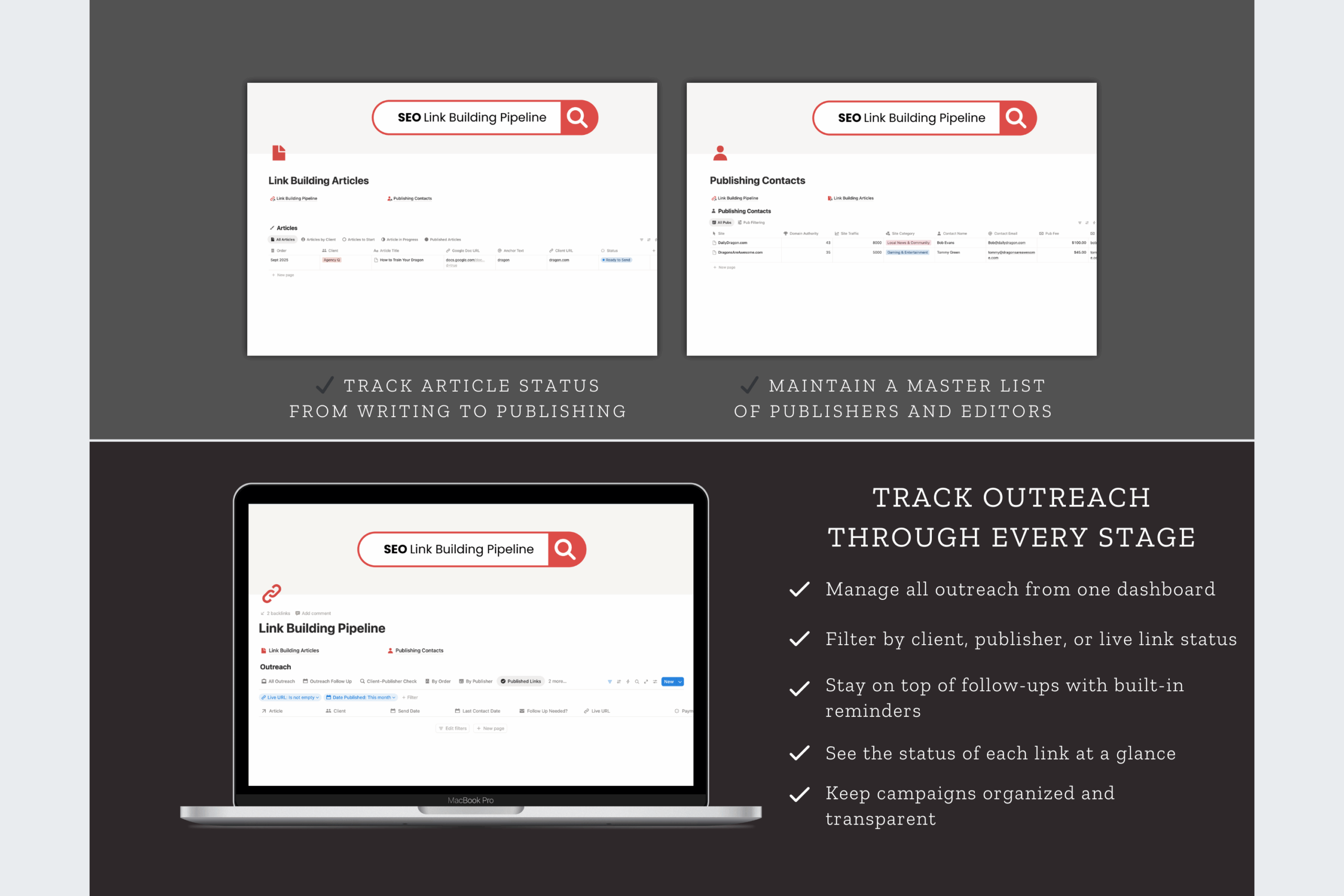
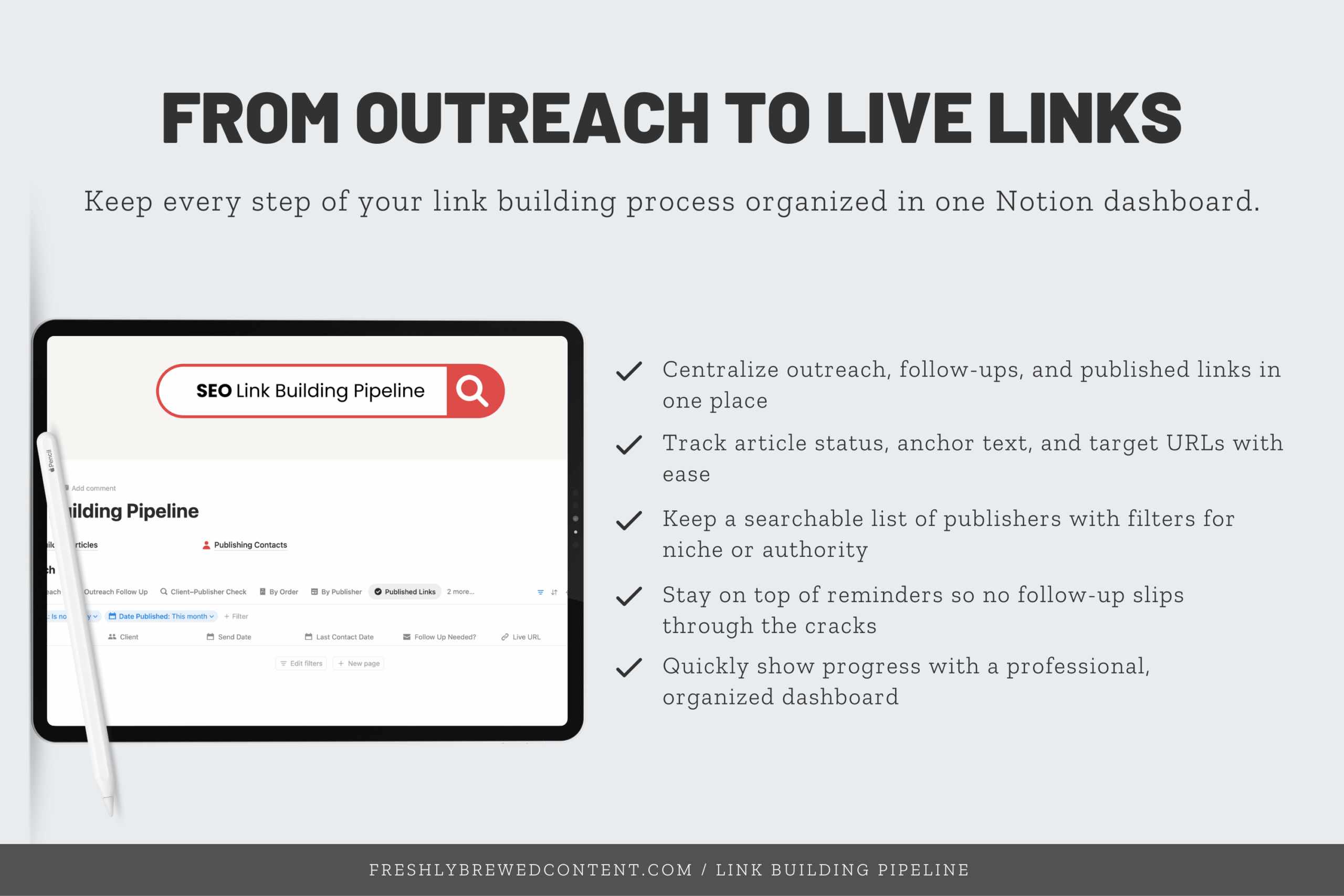
✨ Publisher Database – Store websites and contacts in one place, organized by client or campaign.
✨ Outreach Tracking – Log emails sent, follow-up reminders, and last contact dates so nothing slips through the cracks.
✨ Client–Publisher Check – Easily see which clients are connected to which publishers.
✨ Link Status – Track whether links are pending, live, or unpaid without messy spreadsheets.
✨ Content Log – Record submitted articles, guest posts, and collaborations.
It’s more than just a tracker—it’s a complete system that helps you manage outreach at scale while staying organized.
How the Pipeline Complements the SEO Manager Dashboard
The SEO Manager Dashboard covers keyword research, audits, and reporting. However, many SEO pros also need a place to track link building. That’s where the Link Building Pipeline comes in.
By pairing the two dashboards, you get a complete view of your SEO efforts:
-
Use the SEO Manager Dashboard to identify keyword targets and content opportunities.
-
Track your outreach and backlinks in the Link Building Pipeline.
-
Connect the results back to your reports and show the real impact of link building on rankings.
Together, they save you hours of manual tracking and make it easier to tie outreach directly to SEO growth.
How You’ll Receive It
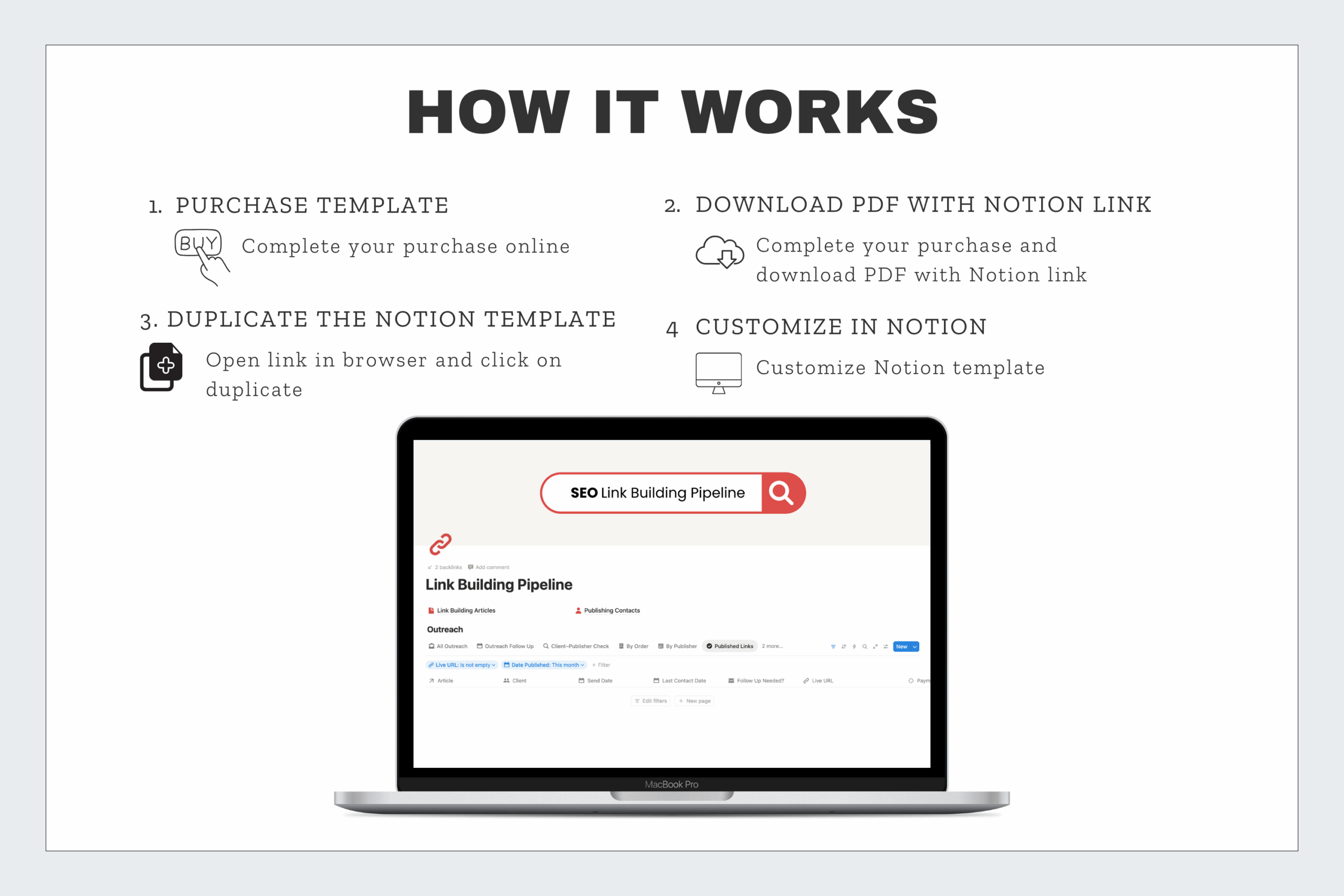
When you purchase, you’ll get a PDF with instructions. Inside is a Notion template share link so you can duplicate the pipeline into your own Notion workspace in seconds. Setup is fast and beginner-friendly. Even if you’ve only used Notion for notes or a simple Notion to-do list, this template will guide you through creating a professional workflow.
Who It’s For
-
Freelancers who want to scale link building campaigns without messy spreadsheets.
-
SEO consultants who need a Notion project management template that includes outreach tracking.
-
Agencies looking for a repeatable system to manage publisher lists across clients.
-
Content creators who want to track guest posts, collaborations, or backlink growth.
Why Choose Freshly Brewed Content’s Notion Templates?
Generic trackers only cover the basics. This Notion dashboard template was designed by an SEO strategist with 15+ years of experience. It reflects real-world link building workflows, not just theory.
All of our templates are easy to customize with Notion icons, covers, and widgets, so you can make them your own. They’re also fully compatible with Notion AI, the Notion API, and popular integrations like Zapier, giving you even more flexibility. Most importantly, each template is built for clarity and daily use—so you spend less time organizing and more time building links.
Also available in
-
🚀 SEO Project Bundle – Link Building + SEO Manager
-
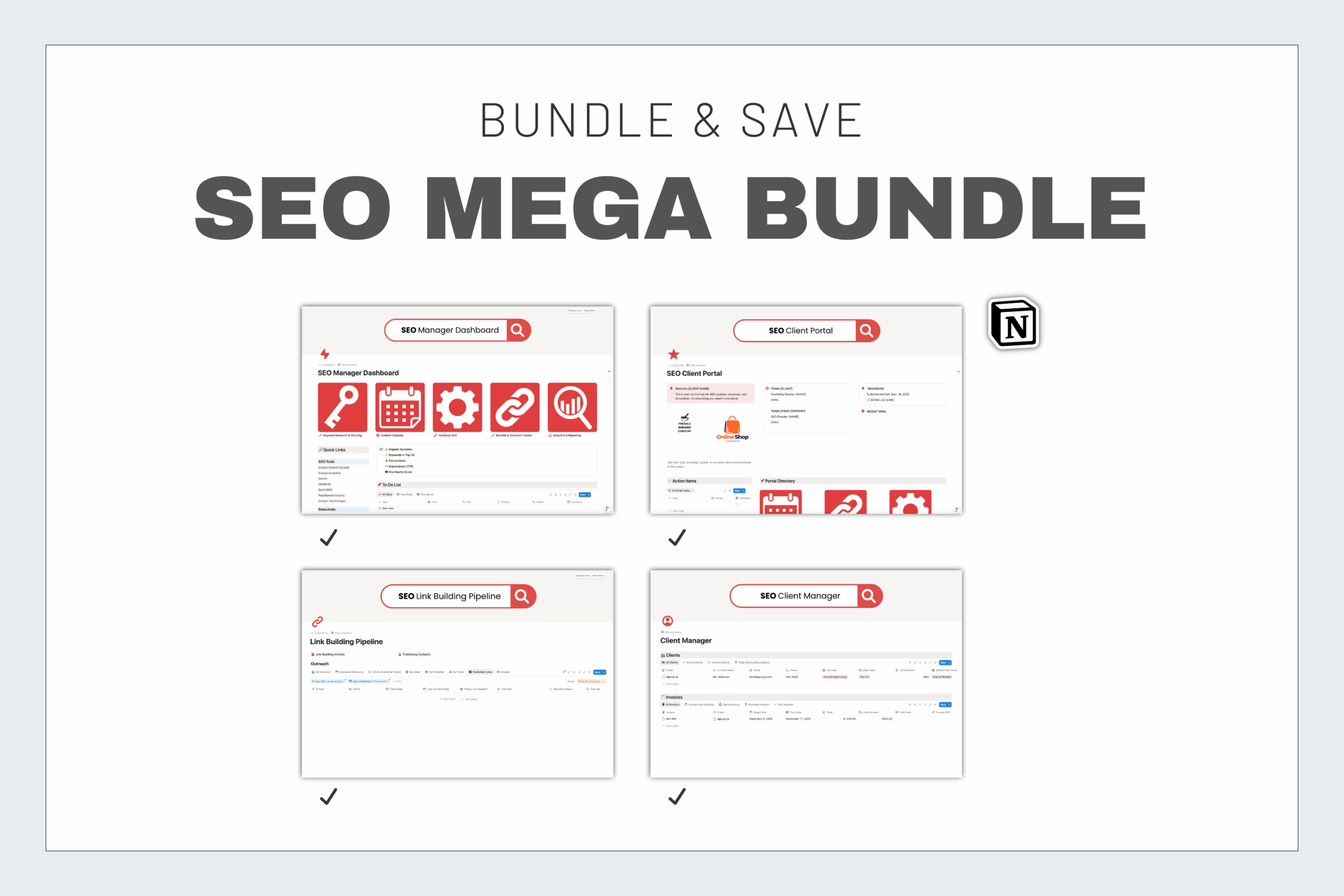
🌟 SEO Mega Bundle – All four dashboards in one
Frequently Asked Questions
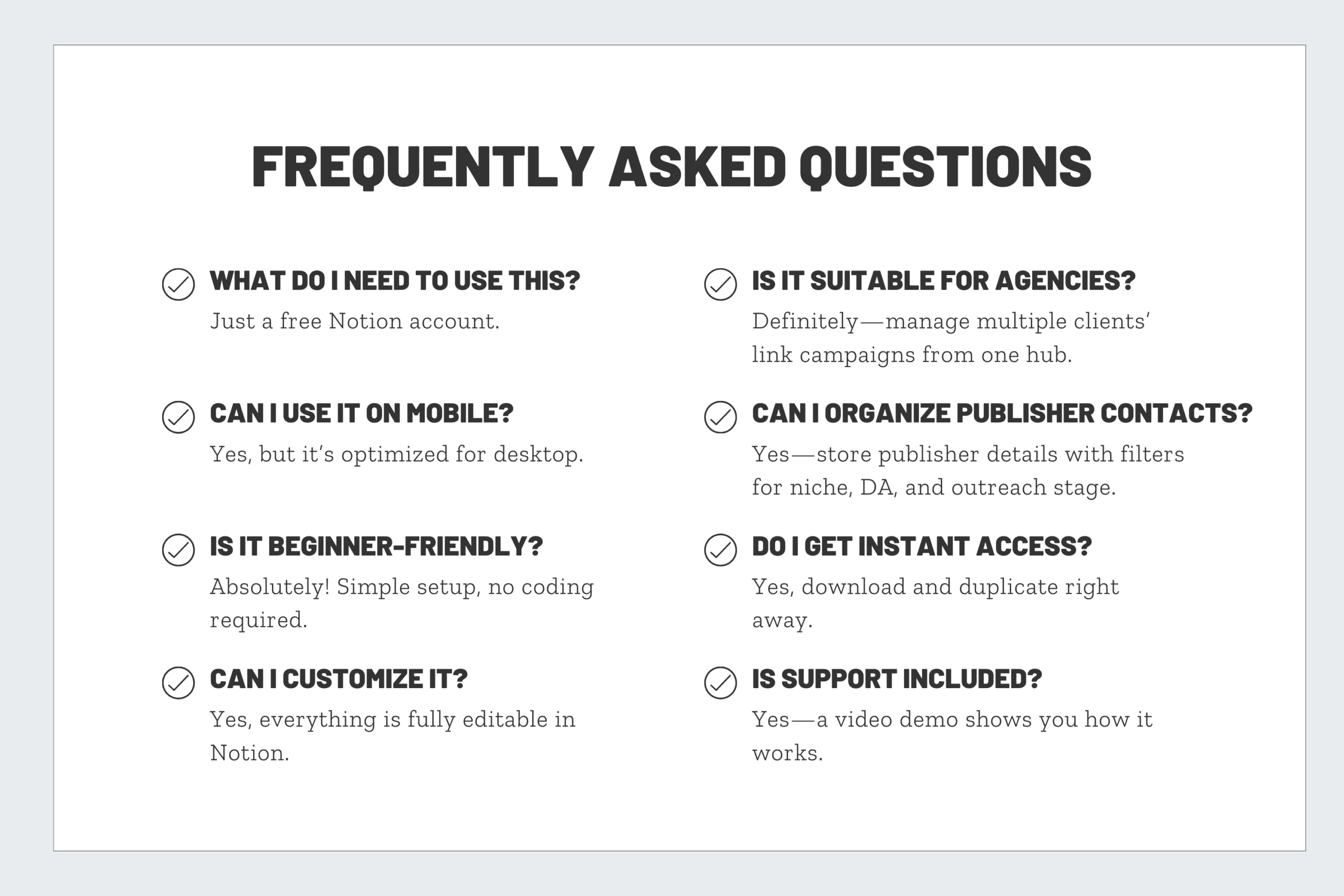
How is this better than using a spreadsheet?
Spreadsheets get messy fast. The Link Building Pipeline is built in Notion, so you can filter, tag, and set reminders. It’s easier to update and much more flexible.
Can I use the pipeline without the SEO Manager Dashboard?
Yes. The pipeline works as a standalone system. But when paired with the SEO Manager Dashboard, you’ll have a complete SEO management workflow.
Do I need a paid Notion plan?
No. The template works perfectly on the free plan. If you upgrade later, you’ll unlock more collaboration features, but it’s not required.
Can I customize the pipeline for my niche?
Absolutely. Add your own fields for publisher type, industry, or link metrics. Notion is flexible, so you can shape the template to fit your workflow.
How will I receive the template?
You’ll receive a ZIP folder with PDF instructions and a shareable template link. Click “Duplicate” and it will copy into your workspace instantly.



Reviews
There are no reviews yet.