SEO Manager Notion Dashboard
$59.00
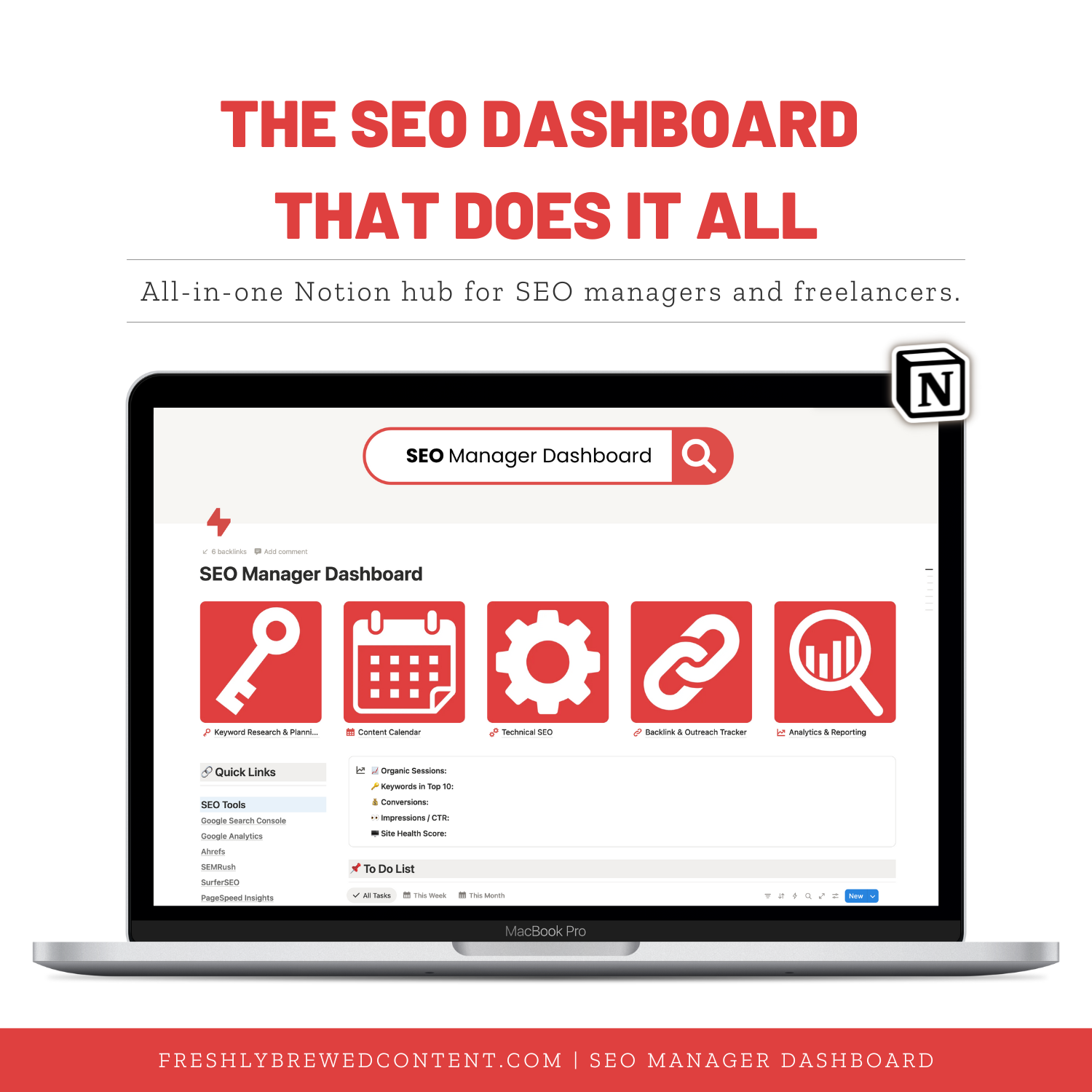
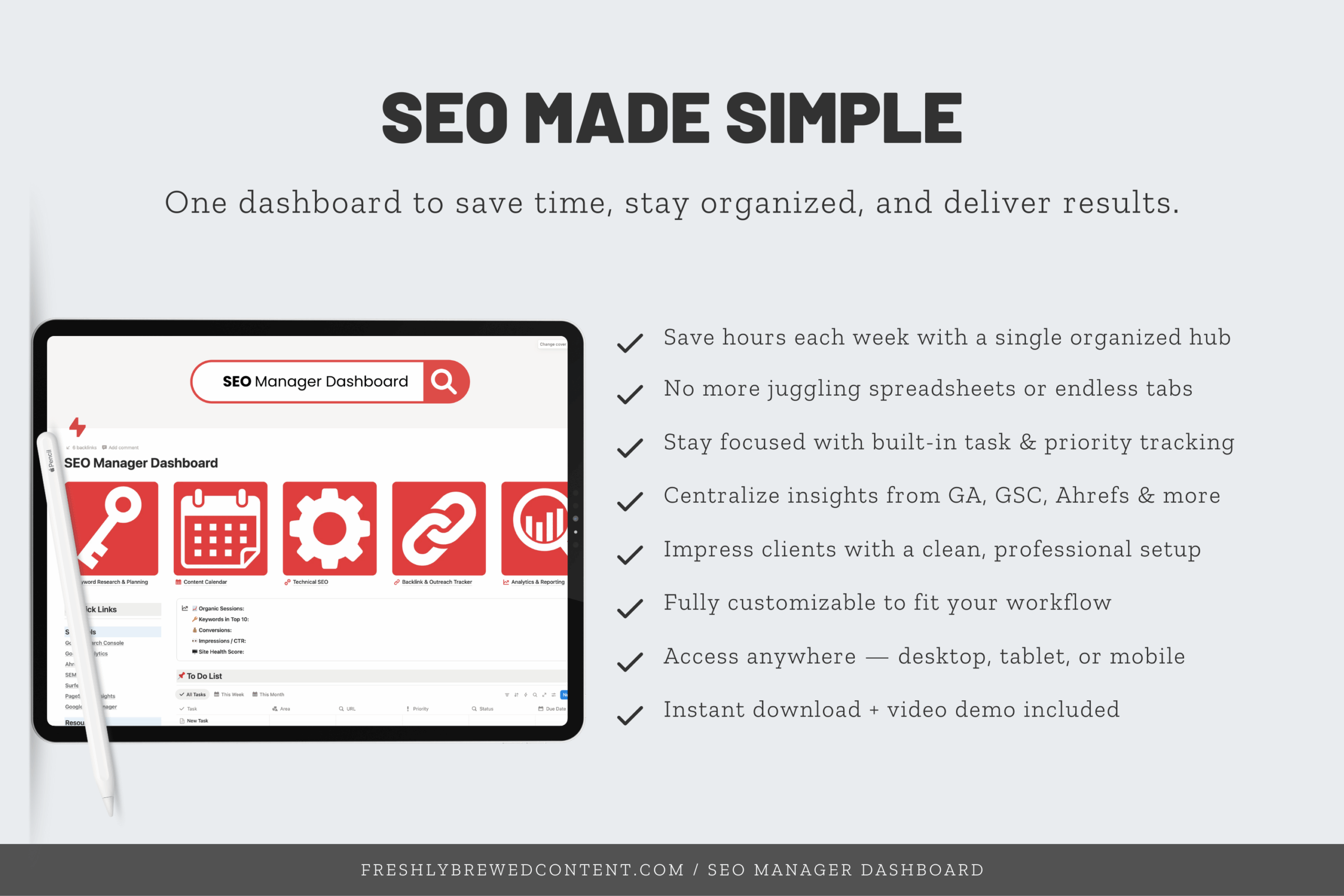
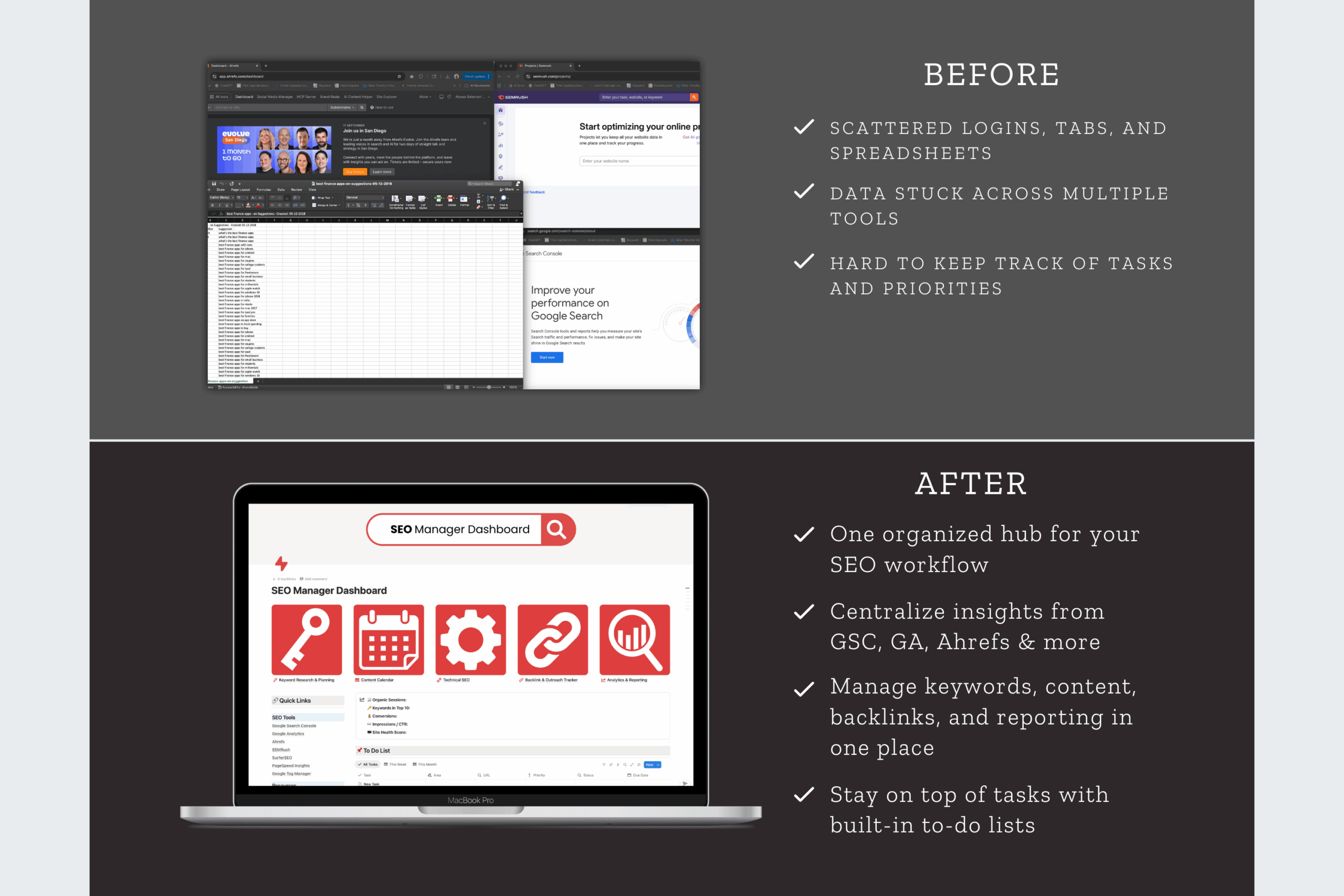
Stop juggling spreadsheets and scattered notes—manage your entire SEO workflow in one clean Notion dashboard. The SEO Manager Dashboard is a ready-to-use Notion template designed for freelancers, consultants, and agencies who need an organized way to track keyword research, technical fixes, content planning, link building, and reporting.
Description
Looking for a way to organize your SEO projects without juggling spreadsheets, sticky notes, and endless email chains? The SEO Manager Dashboard for Notion is a powerful, ready-to-use Notion template built for digital marketers, freelancers, and small agencies.
This Notion dashboard gives you everything you need to manage keyword research, content planning, technical audits, reporting, and more. It’s all in one clean, customizable Notion workspace. Whether you’re brand new to Notion or already use it daily, this template will help you transform how you manage SEO.
Why Use a Notion Dashboard for SEO?
Notion is one of the most flexible productivity tools available. If you’ve ever asked “what is Notion?” or searched for the Notion definition, here’s the short answer: Notion is productivity software that combines notes, databases, task management, and collaboration into one app.
You can access Notion through the Notion app download on desktop (Mac or Windows), mobile devices, or directly from the Notion official website after a quick Notion login.
Because of its flexibility, many professionals now compare Obsidian vs Notion, Airtable vs Notion, and even Notion vs Trello for project management. However, what sets Notion apart is its ability to work as a complete SEO project management template when paired with the right dashboards.
What’s Inside the SEO Manager Dashboard
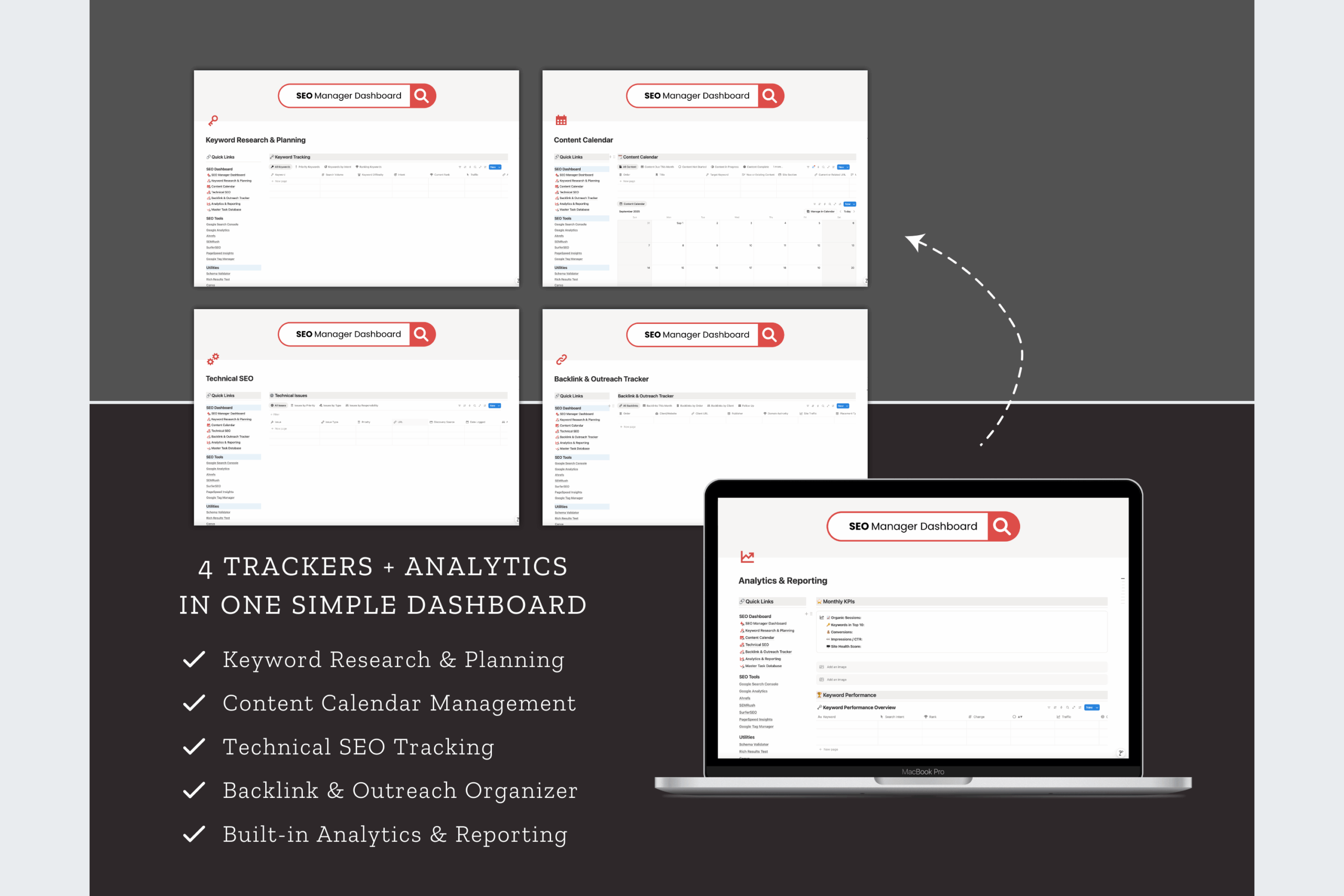
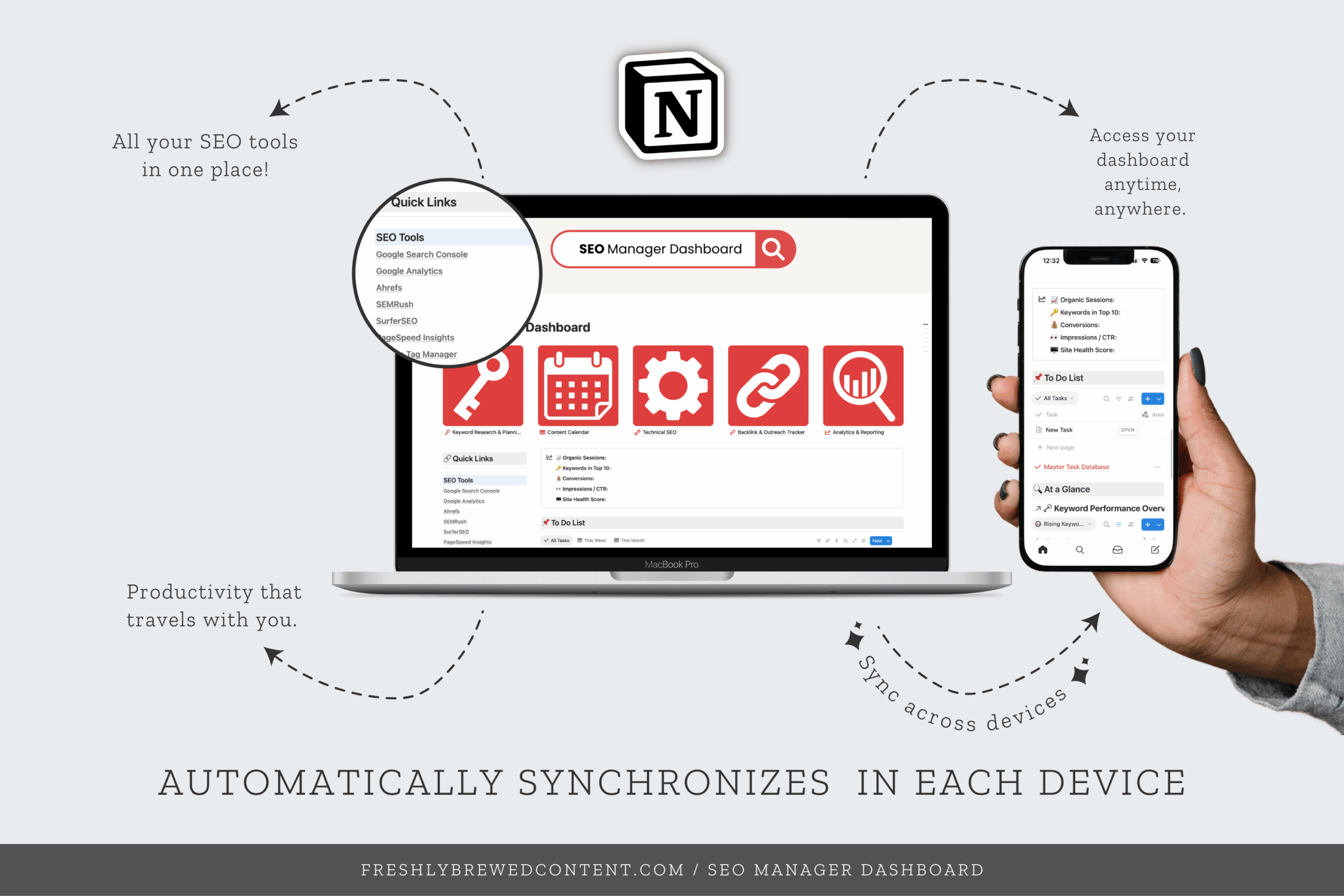
✨ Keyword Research Database – Organize your keyword ideas, search volumes, and competitive analysis in one place.
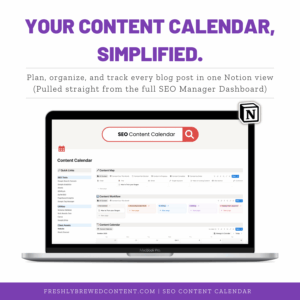
✨ Content Calendar – Plan and schedule blog posts, landing pages, and campaigns with a built-in Notion calendar template.
✨ Technical SEO Log – Track audits, Core Web Vitals checks, and site issues to keep your projects running smoothly.
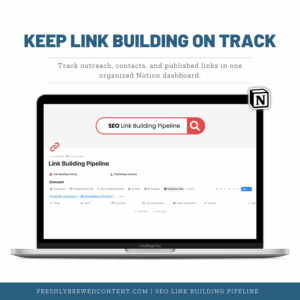
✨ Link Tracking Section – Keep tabs on backlinks, outreach, and acquired links without separate spreadsheets.
✨ Reporting Dashboard – Monitor performance and tie results back to goals in a simple, visual format.
Unlike free Notion templates you might find scattered across blogs, the SEO Manager Dashboard is a premium setup that is designed for practical, daily use in real SEO work.
How You’ll Receive It
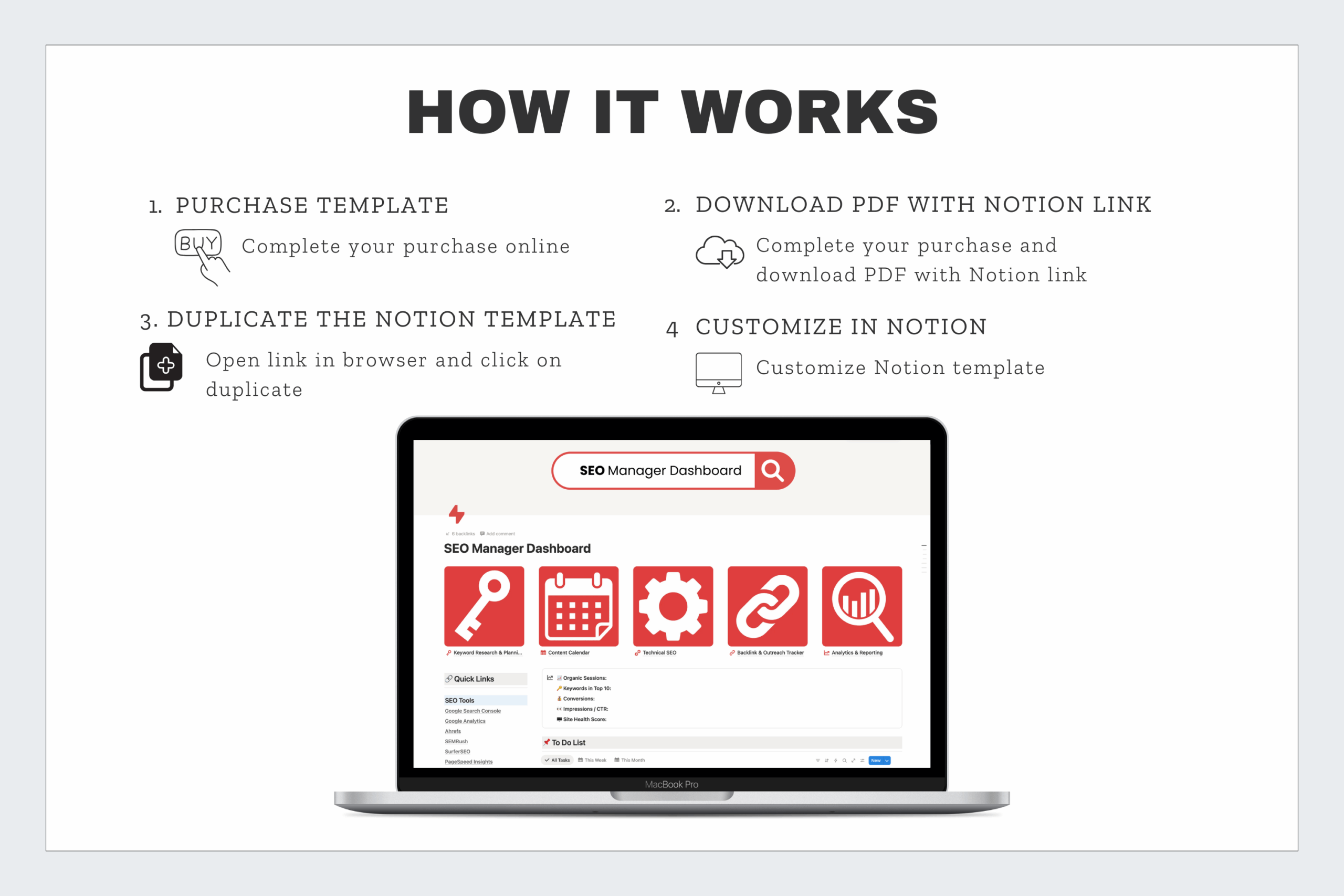
When you purchase, you’ll get a PDF with instructions and a direct link to duplicate the dashboard into your Notion app interface. Setup is quick and beginner-friendly. Even if your last experience with Notion was just clicking “Notion log in” or “download Notion for Mac,” you’ll be up and running in minutes.
Who It’s For
-
-
Freelancers who need a Notion project management dashboard template to manage campaigns.
-
SEO managers who want a structured Notion productivity dashboard template for reporting.
-
Content creators who need a Notion content calendar template and SEO tracking in one space.
-
Agencies looking for Notion dashboard templates to streamline processes across multiple clients.
-
Why Choose Freshly Brewed Content’s Notion Templates?
There are hundreds of free Notion templates and aesthetic Notion dashboards online. However, most are too generic to handle the complexity of SEO. This template was created by an SEO strategist with 15+ years of experience and built for the real workflows of keyword research, link building, and reporting.
Our templates are clean, functional, and compatible with Notion AI, the Notion API, and common Notion integrations like Zapier. You can also customize them with Notion widgets, Notion icons, and other add-ons to make the dashboard fit your style.
Also available in:
-
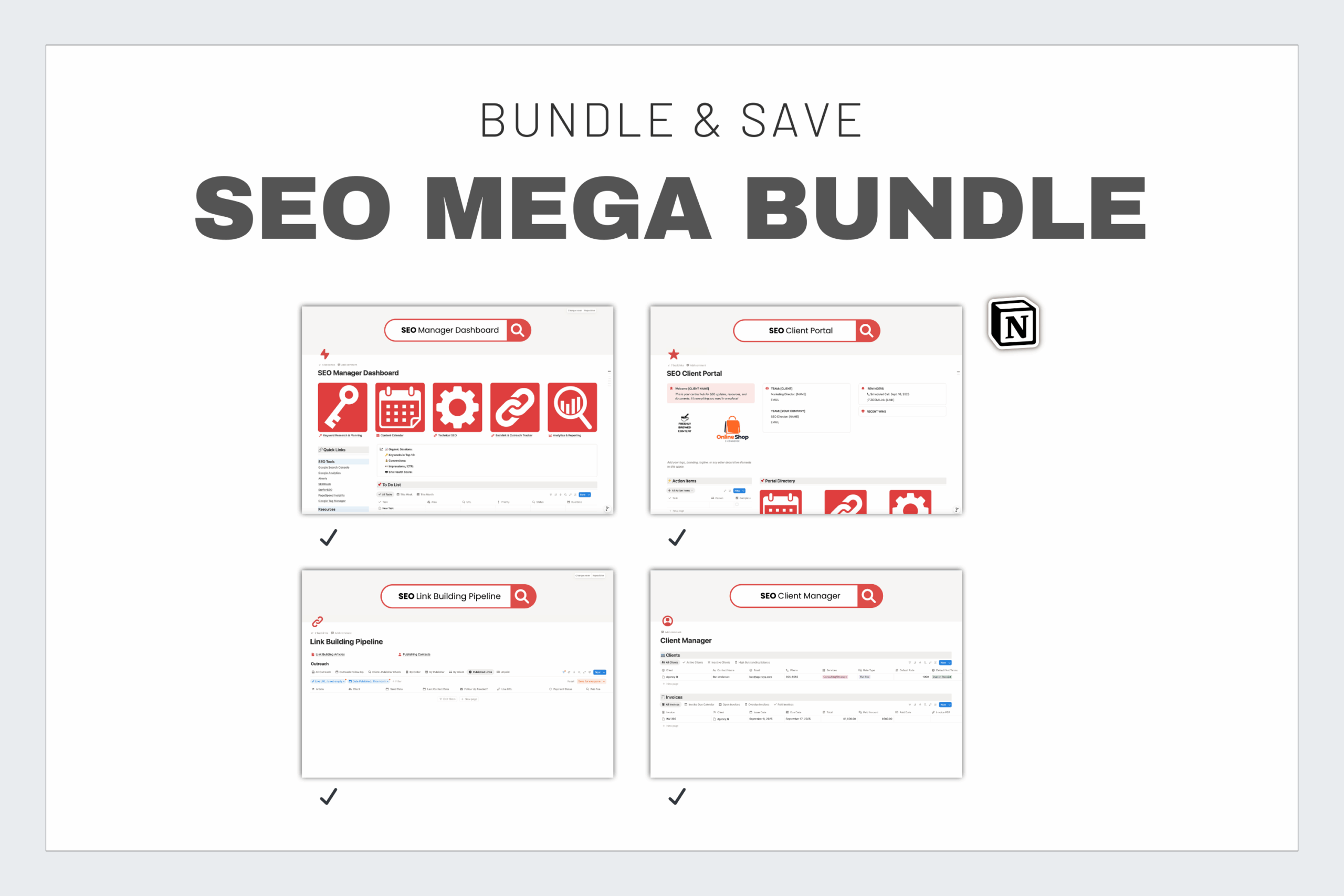
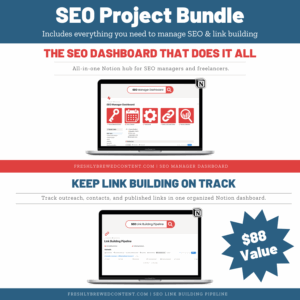
🚀 SEO Project Bundle – SEO Manager + Link Building Pipeline
-
🌟 SEO Mega Bundle – All four dashboards in one
Frequently Asked Questions
What is Notion?
Notion is an all-in-one productivity app that combines notes, databases, task management, and collaboration. It’s flexible enough to run your personal life, business, or SEO projects in one place.
What is a Notion template?
A Notion template is a pre-built setup you can duplicate into your own workspace. Templates save time by giving you a ready-made system—like the SEO Manager Dashboard—so you don’t have to build one from scratch.
How do I duplicate a Notion template?
Once you purchase, you’ll receive a link. Click it, then hit the “Duplicate” button in the top right corner of the page. The template will instantly copy into your Notion workspace.
Is Notion free? How much does Notion cost?
Yes! Notion has a free plan with plenty of features for personal and freelance use. Paid plans add extras like team collaboration, advanced permissions, and larger file uploads.
What is a Notion dashboard?
A Notion dashboard is a central hub that pulls your most important tools and databases into one page. The SEO Manager Dashboard is designed specifically to track keyword research, audits, link building, and reporting in a single, streamlined view.

Reviews
There are no reviews yet.