SEO Content Calendar Notion Template
$4.99
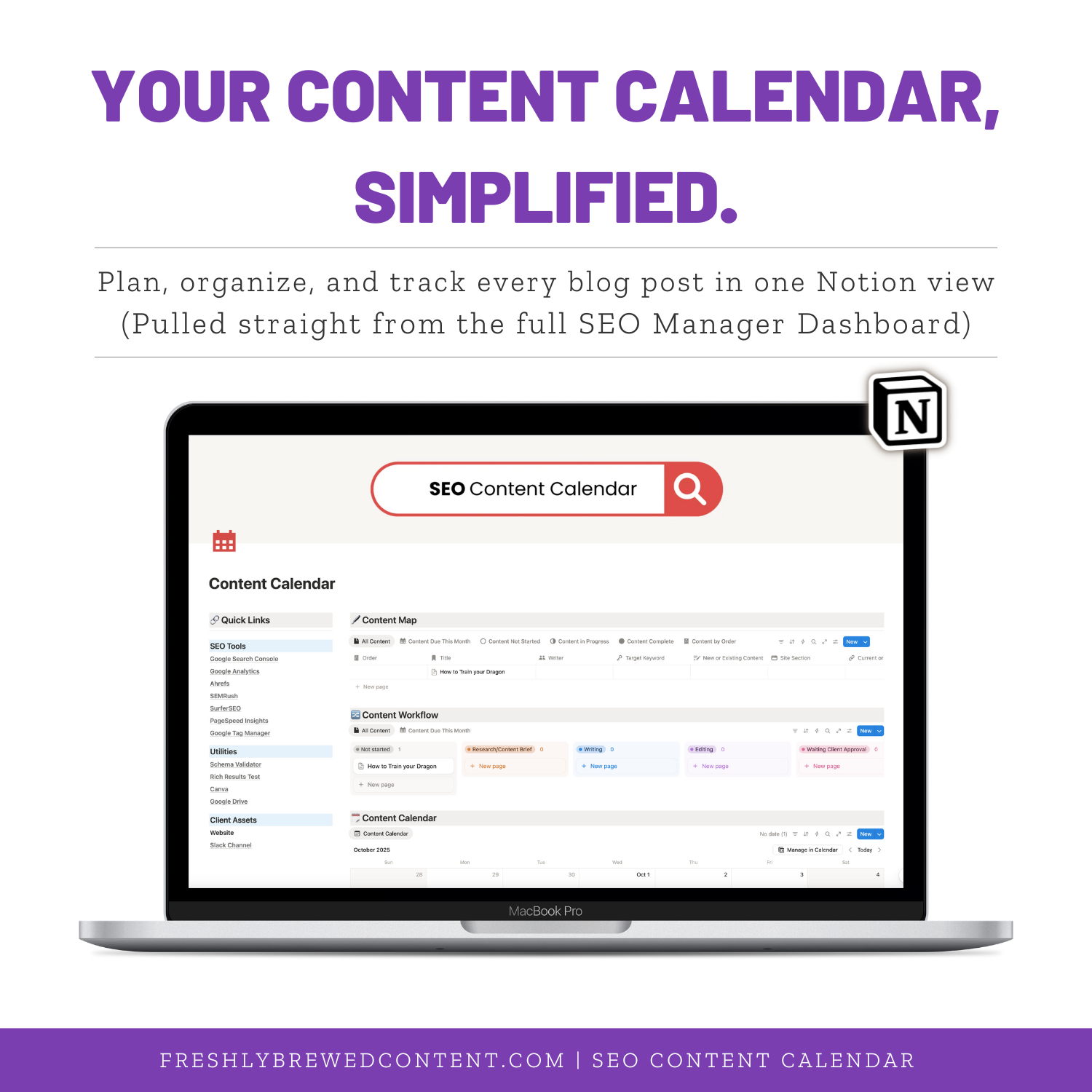
Stop juggling Google Docs and messy spreadsheets — plan, track, and publish your entire content strategy in one clean Notion workspace. The SEO Content Calendar is a streamlined version of the SEO Manager Dashboard, built for bloggers and marketers who want to stay consistent, organized, and stress-free. Try it before you buy the full dashboard and save $5 when you upgrade.
Description
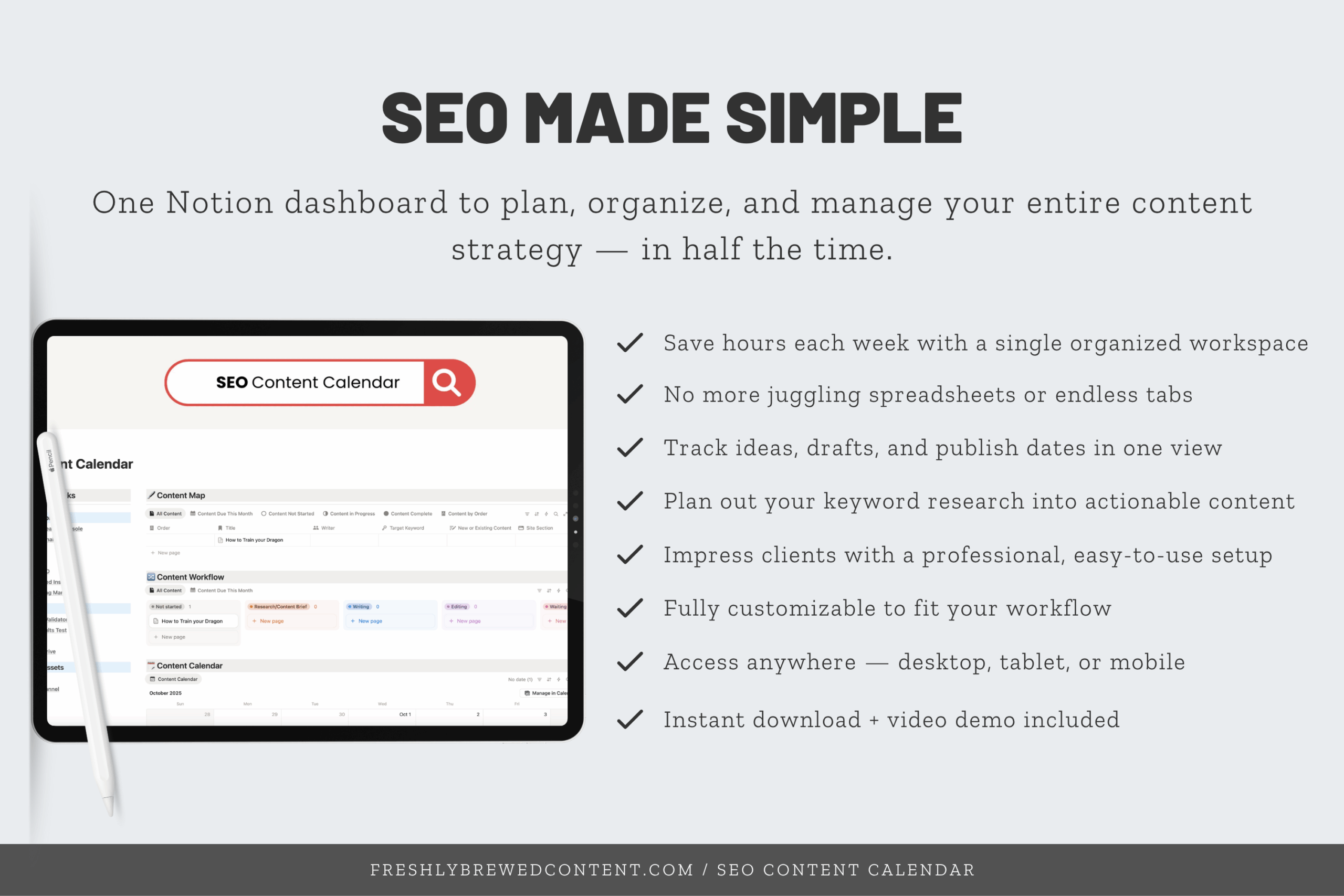
Tired of juggling Google Sheets, Docs, and CMS tabs just to keep your content organized? The SEO Content Calendar Notion Template helps you plan, track, and publish with ease — all inside one clean, customizable workspace built for bloggers, freelancers, and digital marketers.
This isn’t just a calendar — it’s your central command center for content strategy, SEO tracking, and deadline management. Whether you’re planning weekly blog posts or mapping out full campaigns, this Notion setup keeps everything structured, visual, and stress-free.
🧠 Try Before You Buy
Think of this as your sneak peek inside the SEO Manager Dashboard — a lightweight version designed to help you experience the system before committing to the full workflow.
Inside, you’ll find the same streamlined content calendar used in the full dashboard — complete with task tracking, keyword fields, and progress statuses.
You’ll see firsthand how easy it is to move from “idea” to “published” without losing track of what’s next.
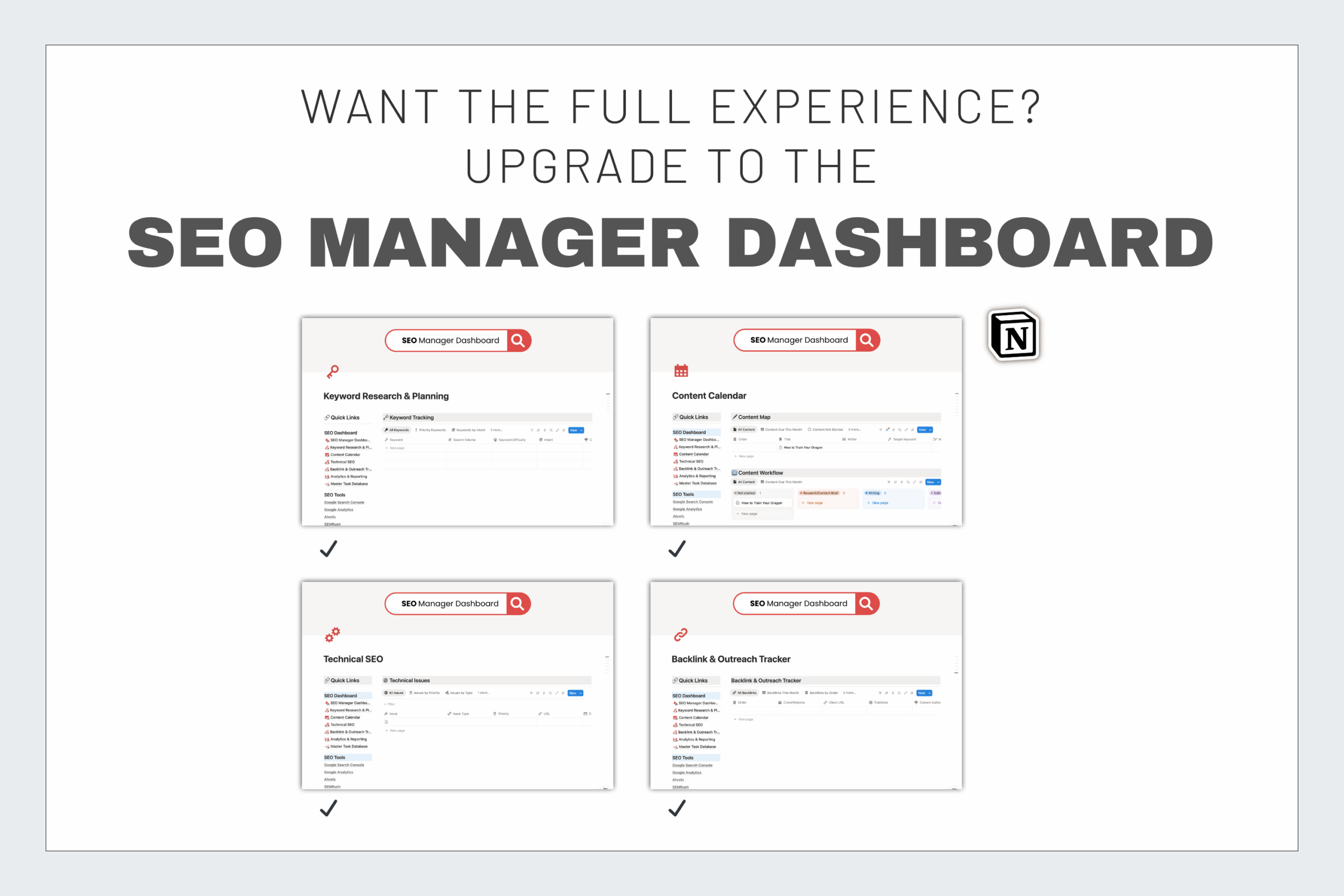
When you’re ready to take it further, you can upgrade to the complete SEO Manager Dashboard, which includes:
-
Keyword Research & Planning
-
Technical SEO Tracking
-
Backlink & Outreach Pipeline
-
Analytics & Reporting
-
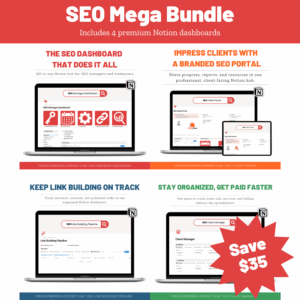
Client Management Tools
👉 Click Here to download the full SEO Manager Dashboard →
💡 What’s Inside the Content Calendar
-
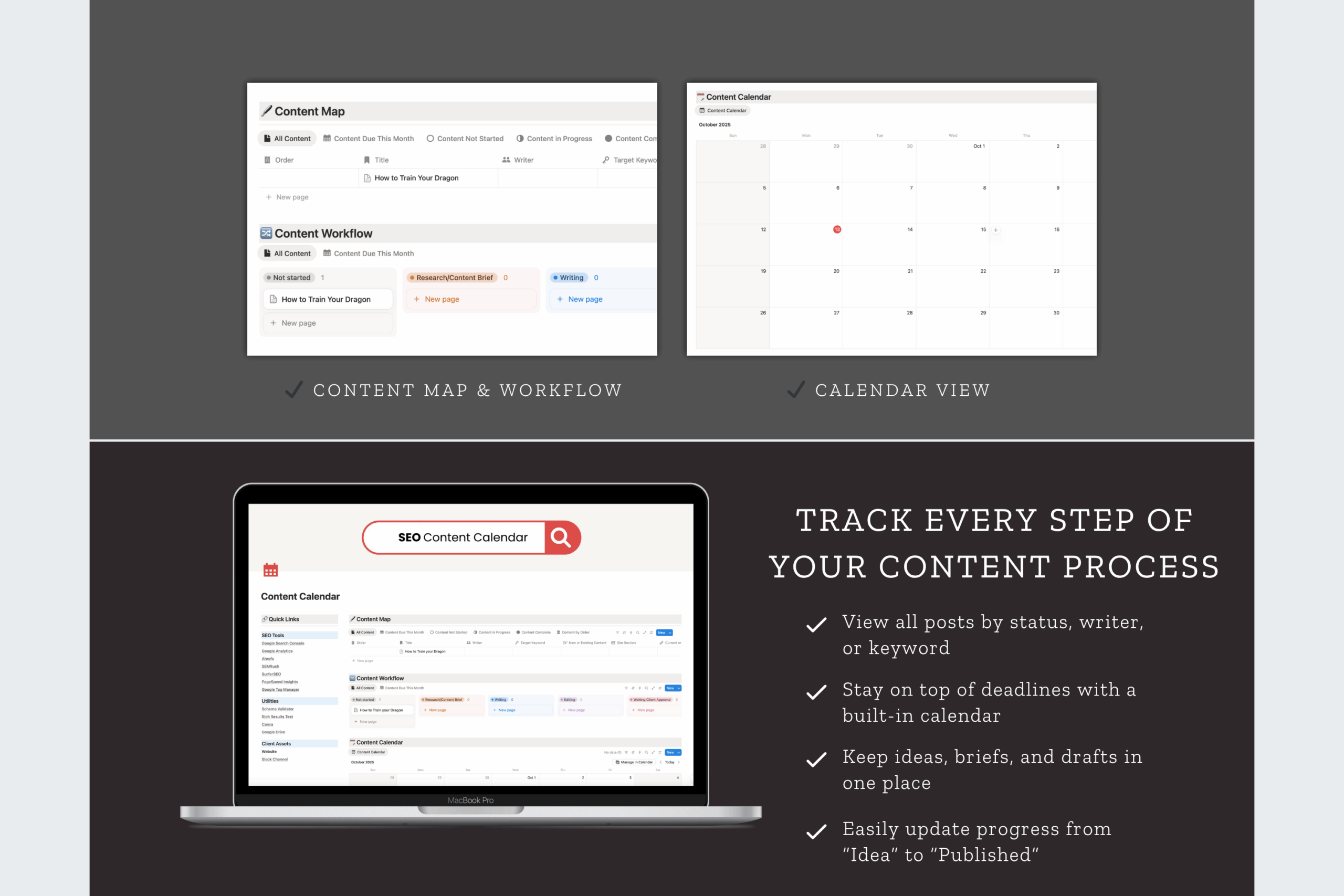
🗓️ Calendar View: Schedule posts and campaigns by publish date
-
🧭 Content Map & Workflow: Track status from “Idea” to “Published”
-
✏️ Keyword & Writer Fields: Keep your strategy and team aligned
-
📋 Custom Tags: Sort by content type, channel, or priority
-
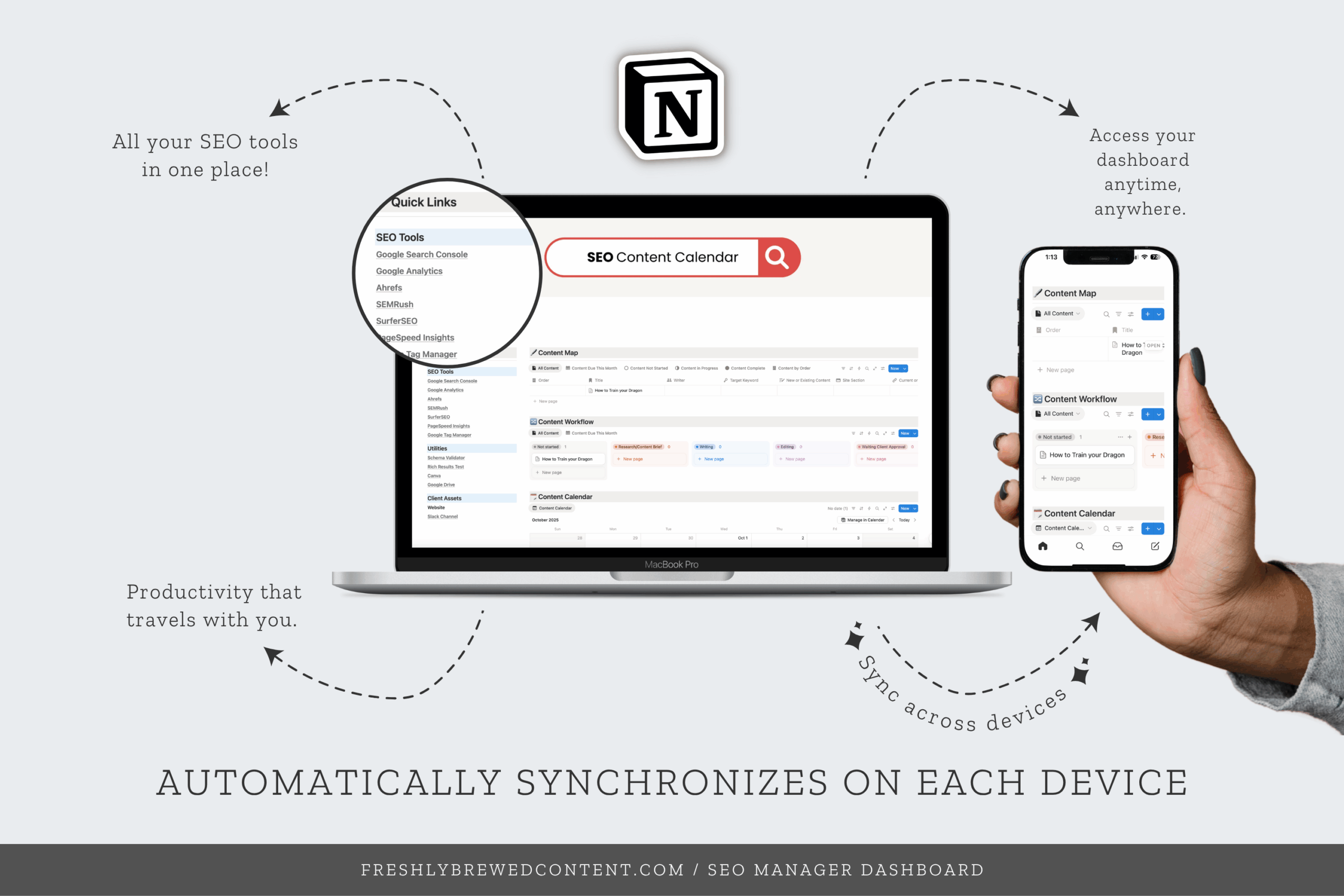
💻 Notion-Friendly Layout: Works beautifully on desktop, tablet, or mobile
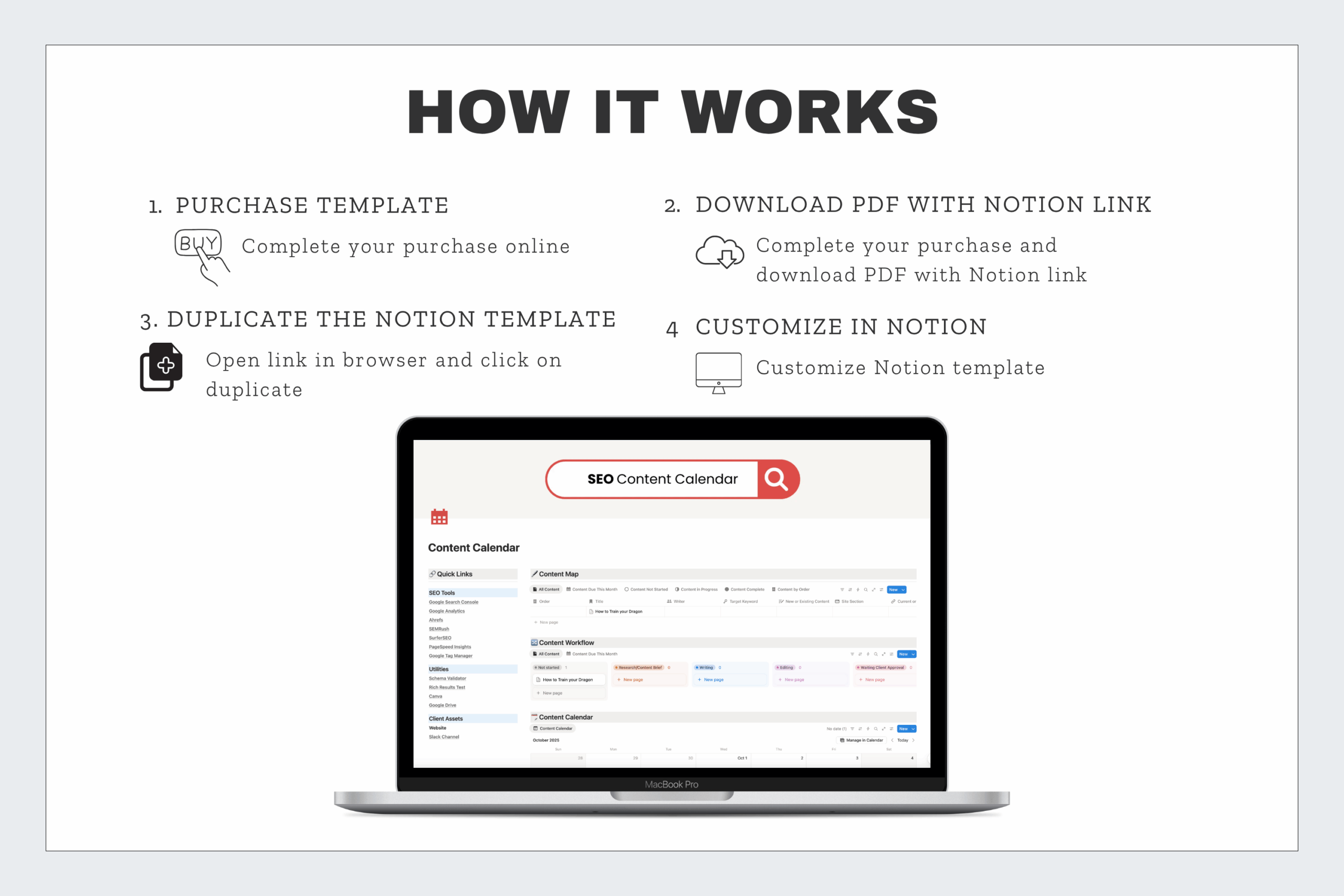
You’ll also receive a short setup video showing how to duplicate the template, adjust filters, and personalize your workspace — so you can hit the ground running in minutes.
🌿 Why You’ll Love It
✔ Save hours every week by keeping all content plans in one place
✔ Stay focused with built-in task and deadline tracking
✔ Customize it for your personal or team workflow
✔ Keep a clean, professional look that’s client-ready
✔ Designed with a balance of structure and flexibility — just like good coffee
☕ Built by Freshly Brewed Content
This Notion template is part of the Freshly Brewed Content SEO Dashboard Collection, designed to help marketers and creators simplify their systems, stay consistent, and focus on strategy (not spreadsheets).
Start small with the SEO Content Calendar, and when you’re ready to scale your process, the SEO Manager Dashboard is ready to take you the rest of the way.
👉 Upgrade to the full dashboard today →
Frequently Asked Questions
What is included in the SEO Content Calendar?
The SEO Content Calendar includes a pre-built Notion workspace designed to help you plan, track, and publish your content with ease. You’ll get a calendar view, content map, keyword tracking fields, and custom tags for managing your blog posts or campaigns — all in a simple, ready-to-use layout
How is this different from the full SEO Manager Dashboard?
The SEO Content Calendar is a lite version of the full SEO Manager Dashboard. It focuses on content organization and publishing workflows, while the full dashboard includes advanced tools for keyword research, technical SEO, backlink tracking, analytics, and client management. If you love the calendar, you can upgrade anytime — and you’ll get $5 off the full dashboard as a thank-you for starting here.
How does “Try Before You Buy” work?
This template gives you a hands-on preview of the SEO Manager Dashboard experience. You’ll see how the layout, filters, and workflows function in Notion before deciding to invest in the full version. It’s an affordable way to test-drive the system risk-free.
Do I need to pay for Notion to use this template?
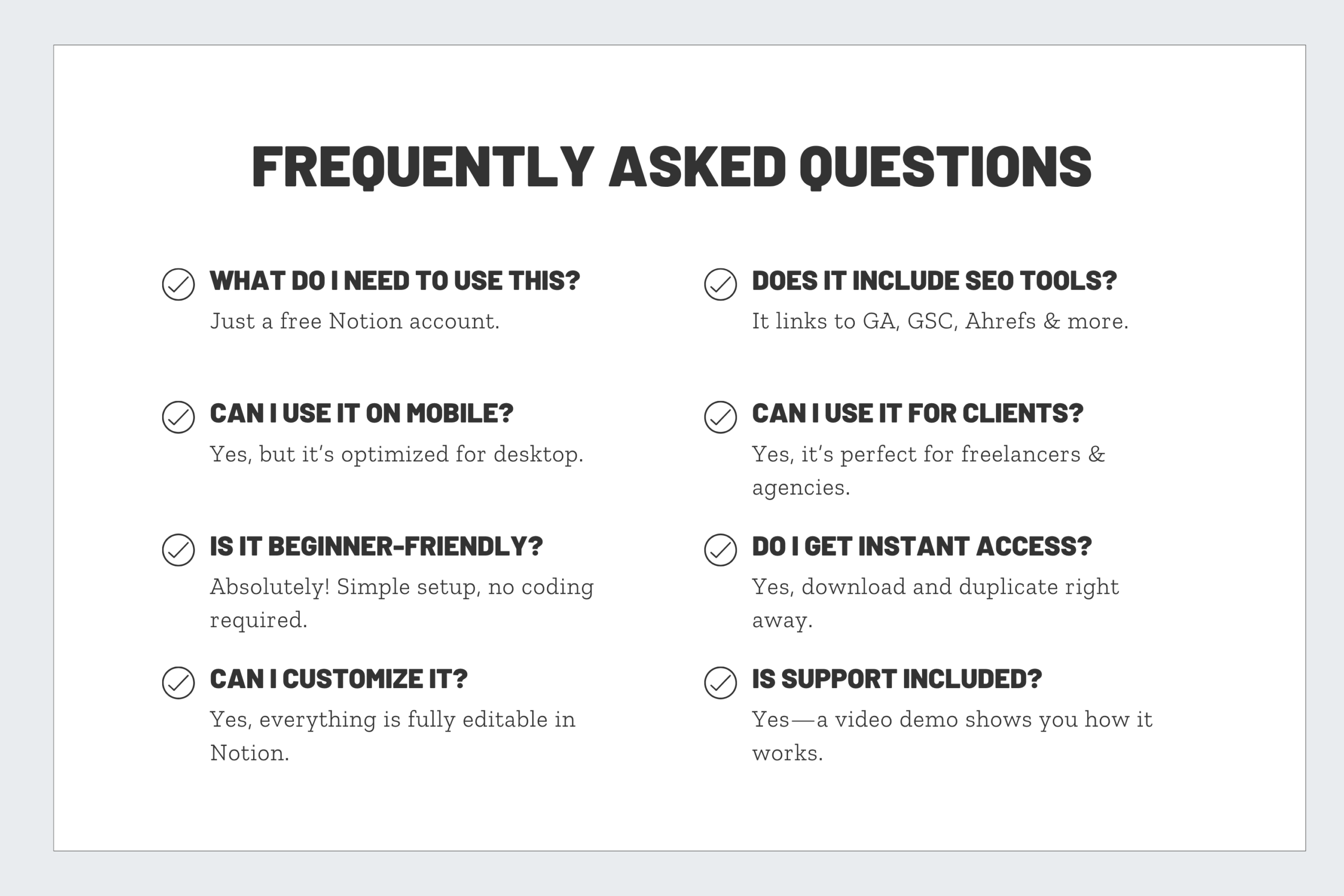
No! The template works perfectly with Notion’s free plan. You only need a paid plan if you’re managing a large team or want extra storage space.
Can I customize this template?
Absolutely. Once duplicated into your Notion workspace, you can rename pages, adjust tags, add new views, or connect it to your existing dashboards. It’s built to be flexible for freelancers, bloggers, or small marketing teams.
How do I upgrade to the full dashboard?
After purchase, you’ll receive a link to the full SEO Manager Dashboard with your $5 discount automatically applied. You can also find the link at the bottom of your download sheet or right here on the product page.
Reviews
There are no reviews yet.